
Your laptop goes everywhere with you to the office, college, cafés, meetings, and sometimes even on weekend trips. 🎒💻 A good laptop bag should do more than simply carry your device. It should help protect your laptop, keep accessories organised, and feel comfortable throughout the day.
But with so many options available, choosing the right bag can be confusing. Should you buy a backpack, a messenger bag, a laptop sleeve, or a spacious travel bag? Is a water-resistant design enough for the monsoon? And how do you make sure your laptop actually fits?
In this guide, we’ll explore laptop bag styles for different needs, important features to check, and practical buying tips for Indian shoppers.
Also Read | Office Essentials Productivity Boosters
Quick Guide: Which Laptop Bag Should You Consider?
| Your needs | Bag style to consider |
|---|---|
| Daily office commute | Professional backpack or briefcase |
| College and classes | Multi-compartment backpack |
| Business meetings | Structured laptop briefcase |
| Frequent flights | Travel backpack with laptop compartment and trolley sleeve |
| Weekend trips | Larger travel backpack with separate laptop storage |
| Carrying a laptop inside another bag | Padded laptop sleeve |
| Minimal everyday carry | Slim messenger bag |
There is no single bag that suits everyone. Your laptop size, commute, and what you carry every day should guide your decision.
Why Choosing the Right Laptop Bag Matters
A laptop is an important investment, whether you use it for work, study, content creation, or entertainment. Carrying it in an unsuitable bag can expose it to scratches, pressure, and accidental bumps.
A purpose-designed laptop bag can help you:
- Keep your laptop separate from other belongings.
- Organise chargers, cables, notebooks, and accessories.
- Carry your device more comfortably.
- Reduce exposure to everyday bumps and scratches.
- Keep documents and personal essentials organised.
- Make commuting and travelling more convenient.
Remember: A padded laptop compartment is useful, but it does not make a bag indestructible or guarantee protection against drops, heavy pressure, or water.
Types of Laptop Bags
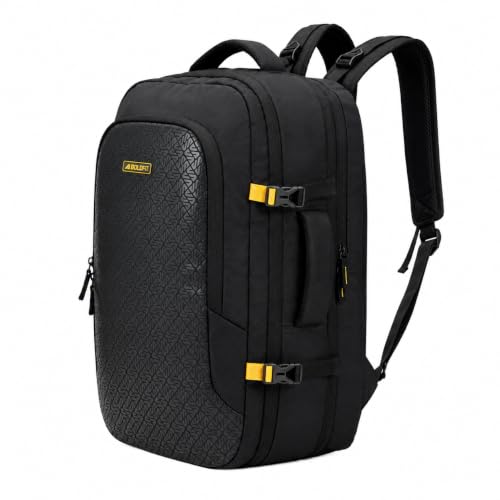
Laptop backpacks
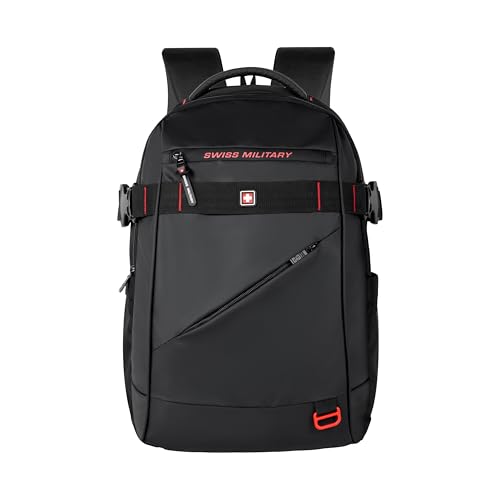
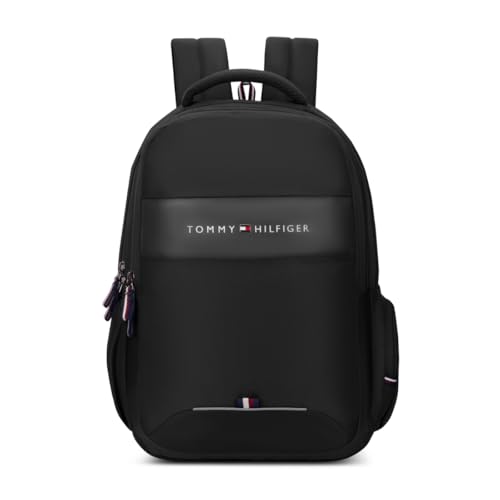
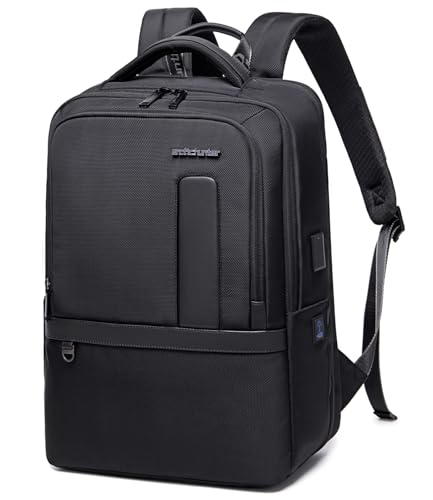
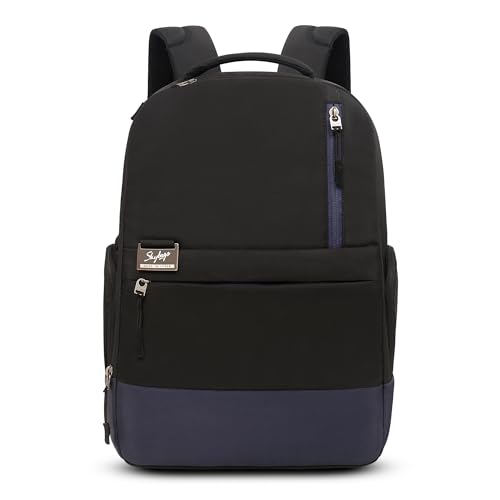
Laptop backpacks are designed to be carried on both shoulders. They are practical for people who walk, use public transport, or carry several items throughout the day.
Useful features to look for:
- Padded laptop compartment
- Comfortable shoulder straps
- Organiser pockets
- Water bottle pocket
- Breathable back panel
- Water-resistant exterior, if needed
A backpack can be a practical choice for office workers and students who carry more than just a laptop.

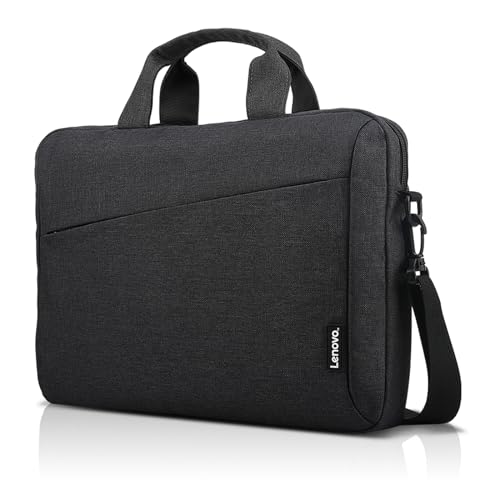
Laptop messenger bags
Messenger bags are generally carried over one shoulder or across the body. They provide convenient access to your laptop and accessories without requiring you to take the bag off both shoulders.
They may suit people who carry a laptop, documents, and a few daily essentials.
Consider the weight carefully: Carrying a heavy messenger bag on one shoulder for long periods may become uncomfortable.
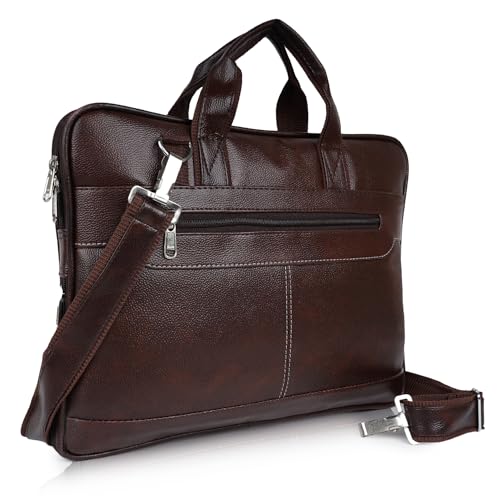
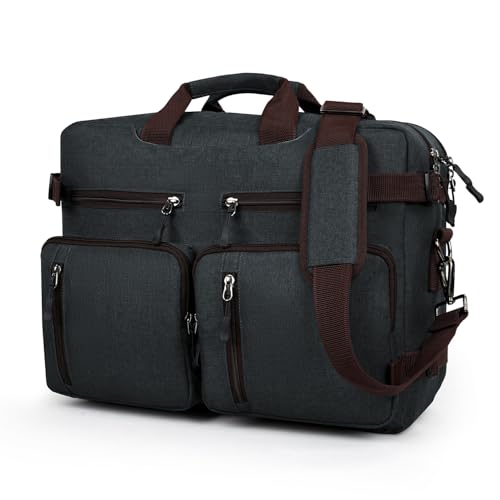

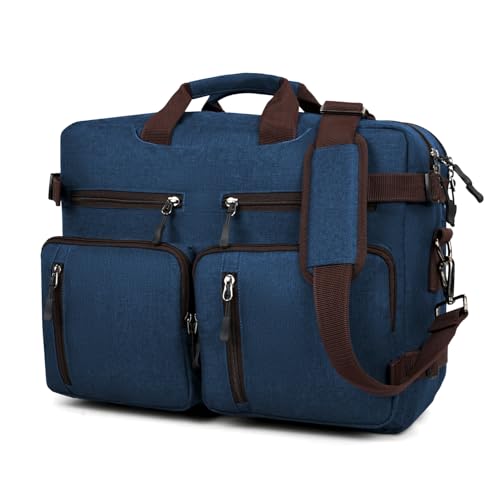
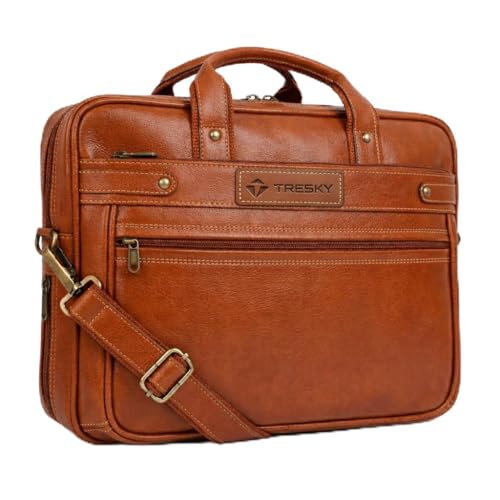
Laptop briefcases
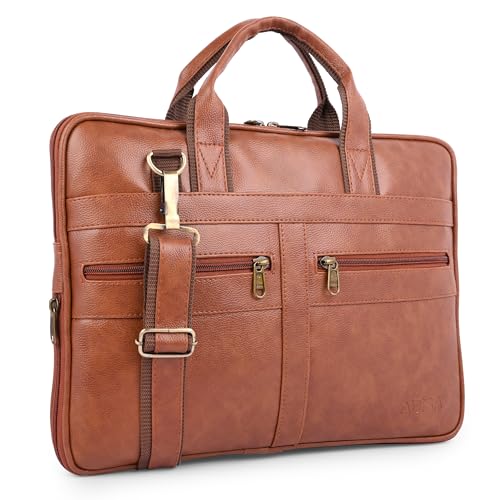
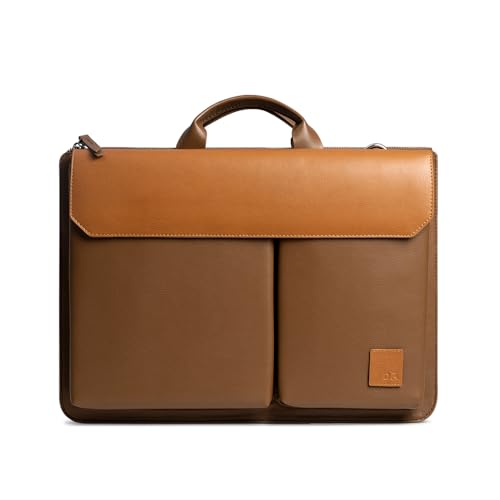
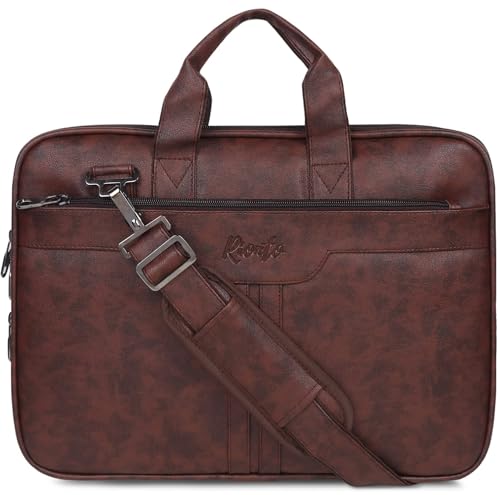
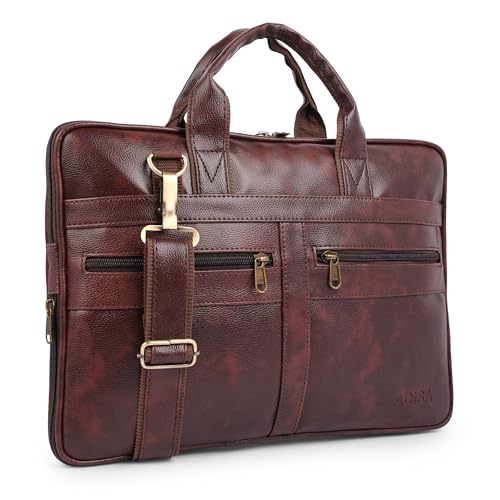
Laptop briefcases have a structured, professional appearance. They can be useful for business meetings, office environments, and situations where you prefer a traditional hand-carry design.
Look for a padded laptop section, secure closures, and enough space for documents and accessories.



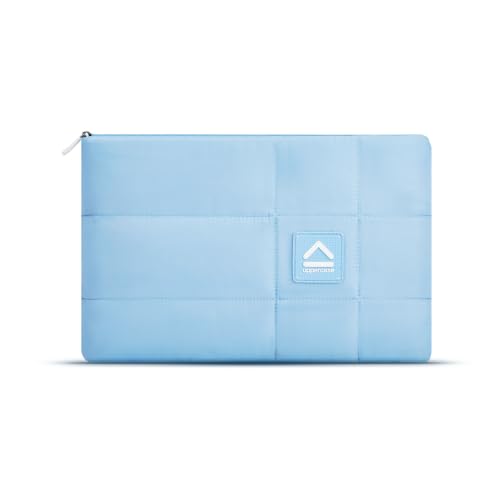
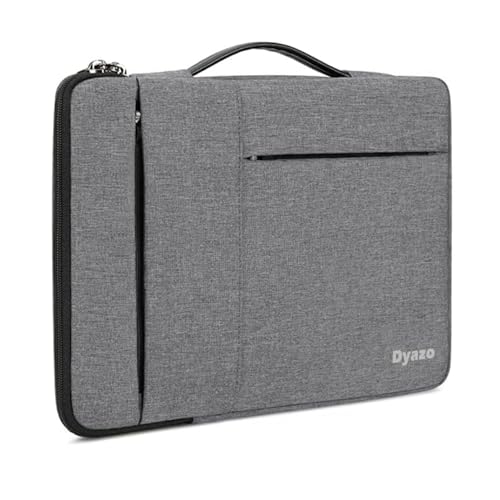
Laptop sleeves
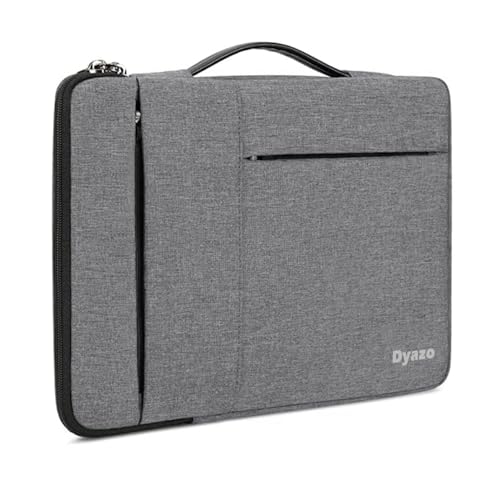
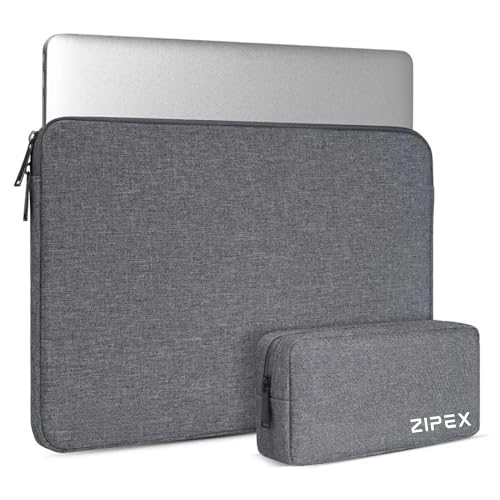
A laptop sleeve is a slim protective cover designed to fit around your device.
It can be useful if you already have a backpack or tote bag and want an additional layer between your laptop and other belongings.
Important: A sleeve does not replace a sturdy bag when you need to carry chargers, books, bottles, or other heavy items.
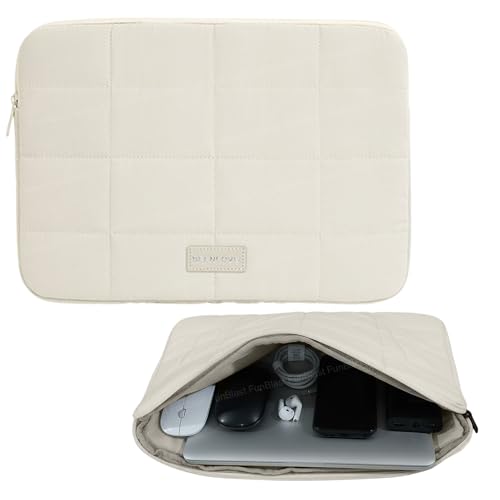
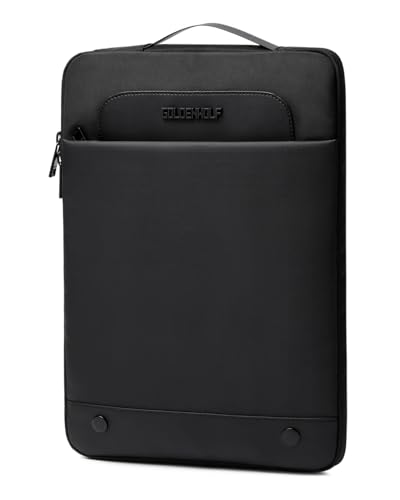
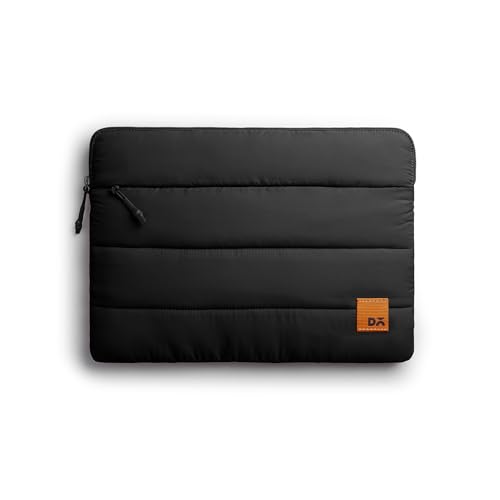
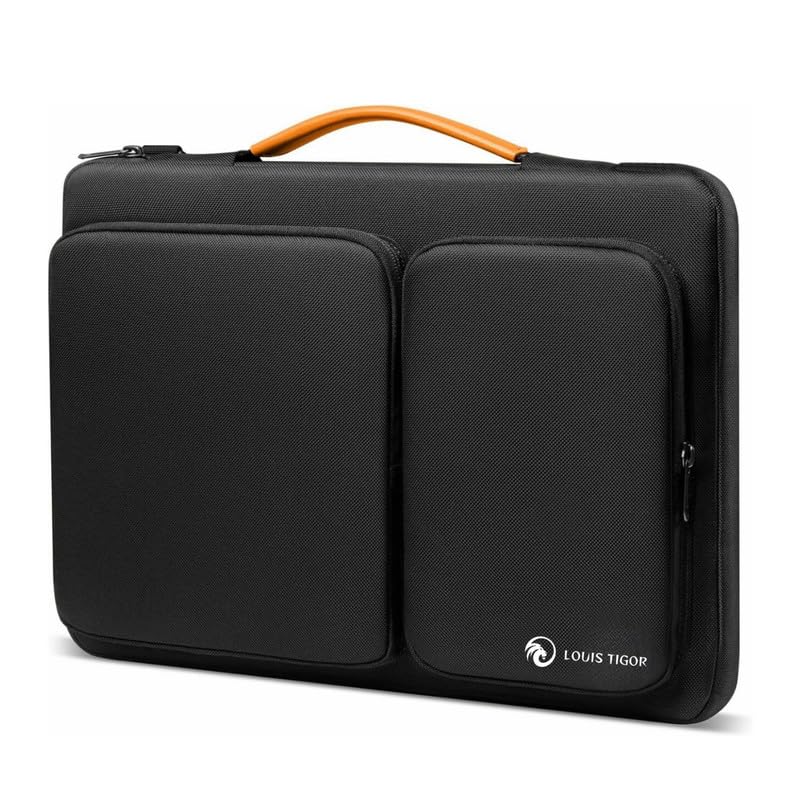

Laptop travel backpacks
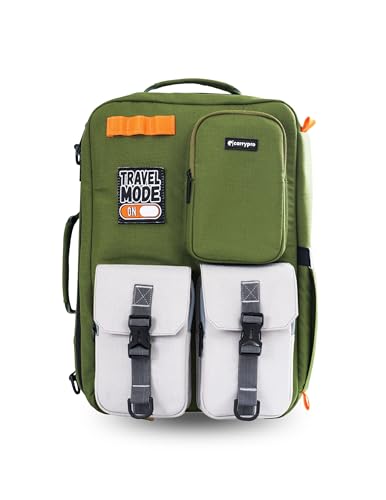
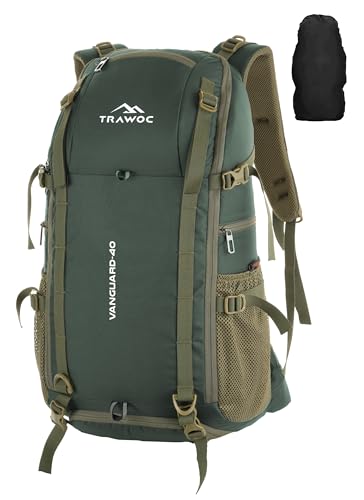
Travel backpacks combine laptop storage with additional space for clothing and travel essentials. Some models include a trolley sleeve, allowing the bag to sit over a suitcase handle.
If you travel frequently, look for a layout that separates your laptop from clothes and other belongings.
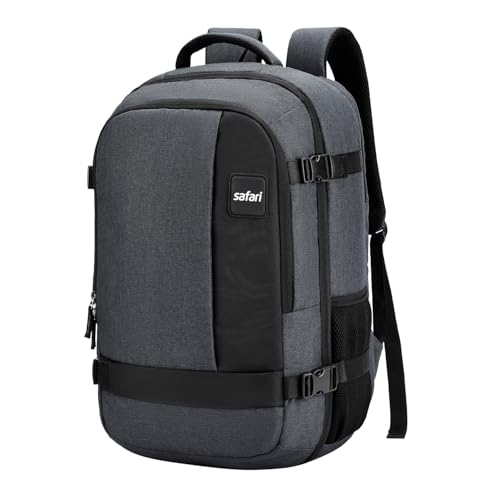

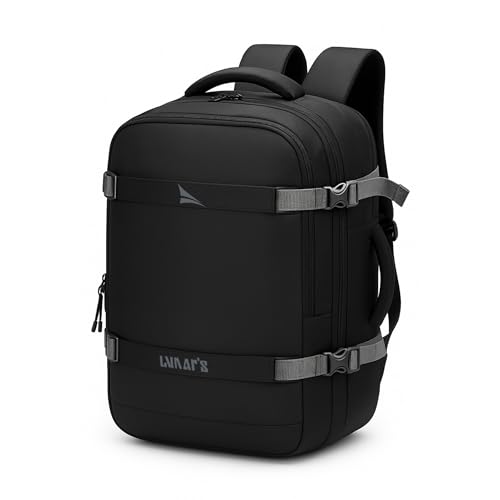


Best Laptop Bags for Office
Office laptop bags need to balance device protection, organisation, and a style that suits your workplace.
Samsonite Vectura EVO

A business-oriented laptop bag range worth exploring if you prefer a traditional professional design.
Consider it for: Office commutes, meetings, and business travel.
Before purchasing, check the exact model’s laptop compartment size, pockets, carrying options, and trolley compatibility. Features can differ between variants.
Targus Intellect+
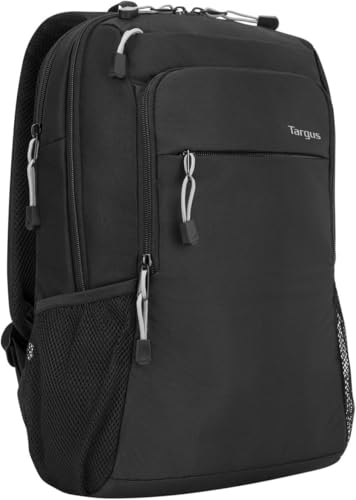
- Great value laptop backpack to fit up to 15.6″ laptops
- Side loading design with padded laptop compartment
- Clean contemporary lightweight design
Targus offers laptop-carrying products designed around everyday device transport and organisation. The Intellect+ range is worth comparing if you prefer a conventional laptop bag rather than a large outdoor-style backpack.
Consider it for: Work essentials, documents, and everyday laptop transport.
Check the specific model’s dimensions and available compartments before buying.
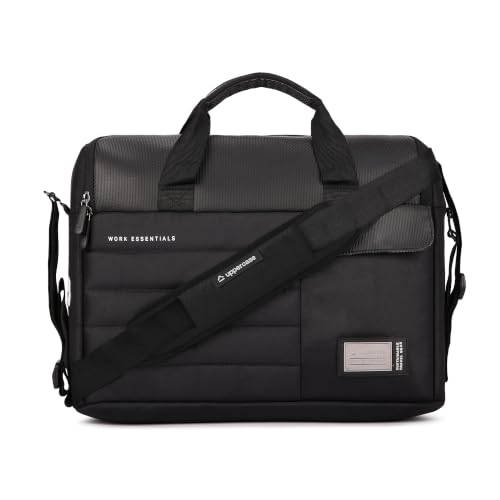
Slim laptop messenger bag
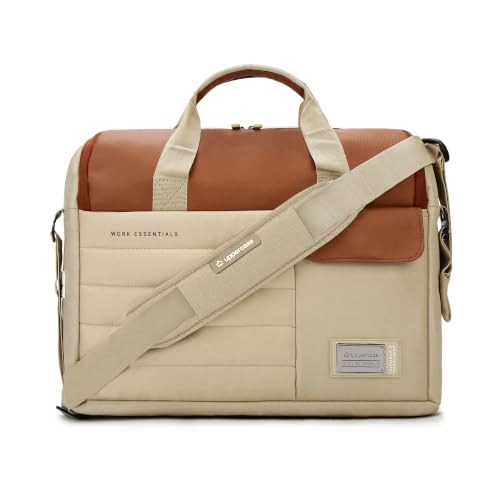
- 750 DAYS OF INTERNATIONAL WARRANTY- India’s pioneering uppercase Omega S03 Messenger Bag, the ultimate blend of durabili…
- PADDED LAPTOP & TABLET COMPARTMENTS-Uppercase Omega S03 Messenger Bag offers optimal safeguarding for your electronic de…
- MULTIPLE ORGANISERS- The Uppercase Omega S03 Messenger Bag provides quick access through front and back full-access pock…
A slim messenger bag may suit professionals who carry only a laptop, charger, notebook, and a few small accessories.
Consider it for: Short commutes, meetings, and light everyday carry.
Look for a padded compartment and an adjustable strap. If you carry a heavy laptop and several accessories, a backpack may distribute the load more comfortably.
Best Laptop Bags for College
College students often carry a laptop alongside notebooks, textbooks, stationery, a water bottle, and other daily essentials. A backpack with practical compartments can help keep everything organised.
Wildcraft laptop backpacks
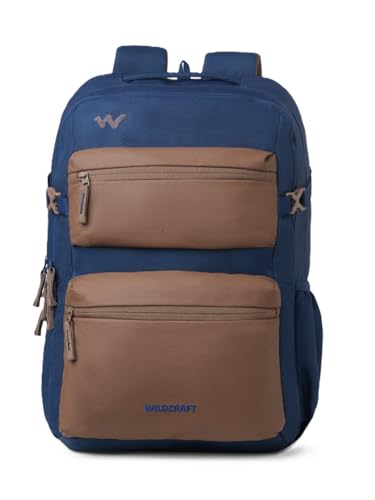
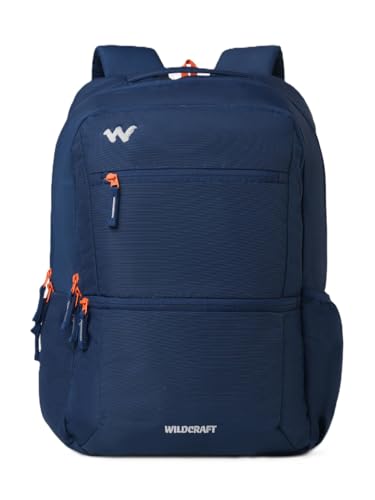
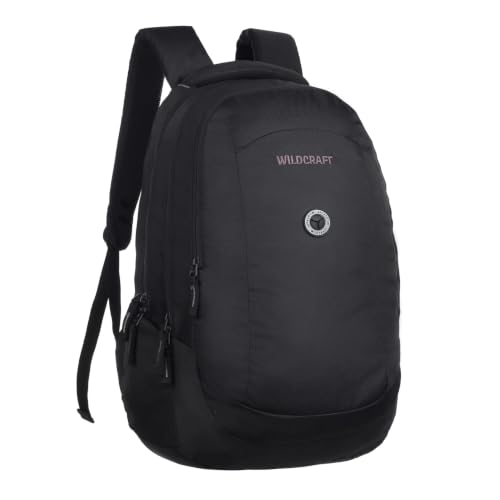
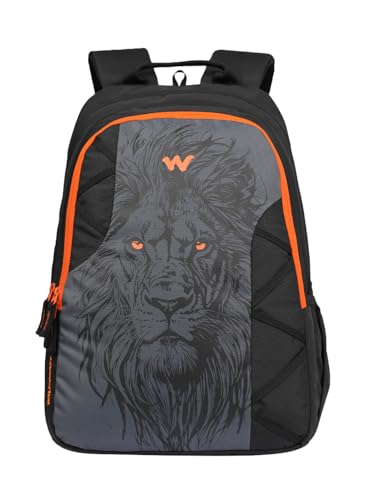

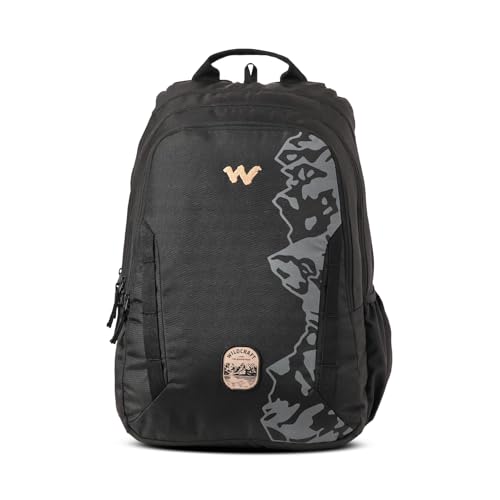

Wildcraft backpacks are one category to explore when comparing bags for daily commuting and campus use.
Consider them for: Students who want a backpack format for carrying a laptop and everyday belongings.
Check the exact model’s laptop compatibility, capacity, strap padding, and weather protection rather than assuming every backpack in the range has the same features.
HP Active Backpack
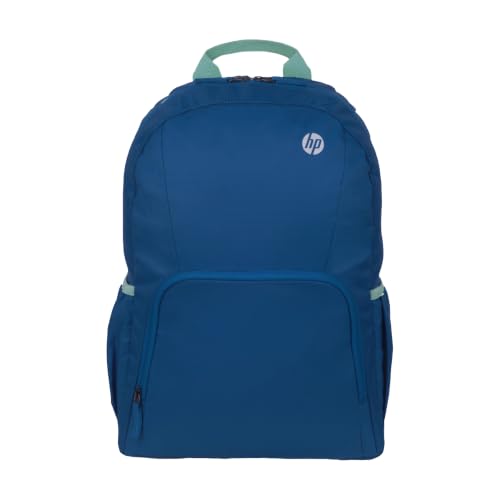

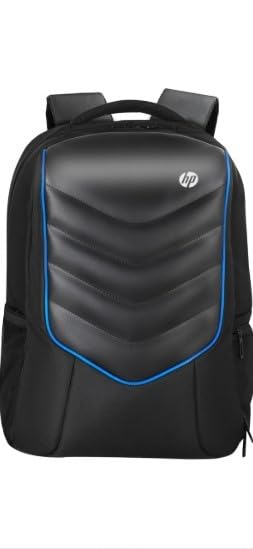
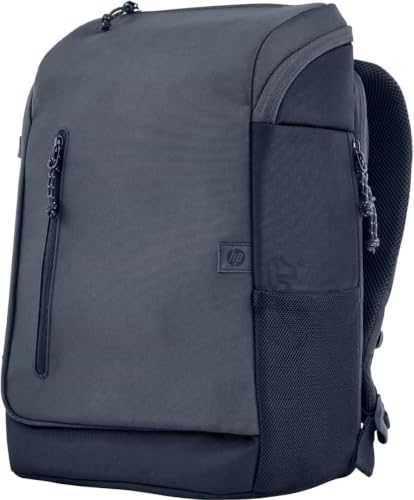
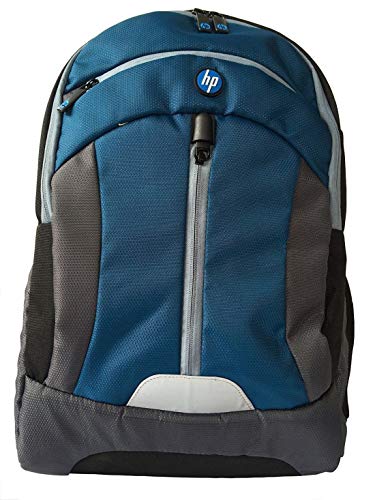
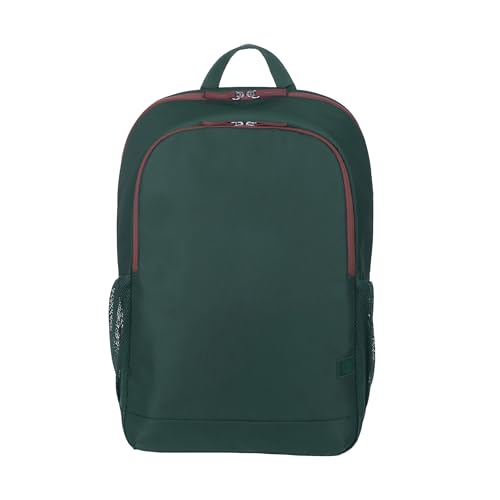
An HP-branded backpack is another option to compare if you are looking for a laptop-carrying bag from a computer manufacturer.
Consider it for: Students and everyday laptop users.
Confirm the specific model’s supported laptop size, pocket layout, and carrying comfort. Do not assume that every HP backpack fits every 15.6-inch laptop.
Multi-compartment college backpack
If you carry both a laptop and books, a multi-compartment backpack can make daily packing easier.
Look for a layout that separates:
- Laptop and tablet
- Books and notebooks
- Charger and cables
- Water bottle
- Small personal belongings
Avoid choosing a bag based on its total capacity alone. A large main compartment does not necessarily provide good laptop protection.
Best Laptop Bags for Travel
Travel bags need to accommodate your laptop while making room for other essentials. The right design depends on whether you are travelling for a day, a weekend, or a longer trip.
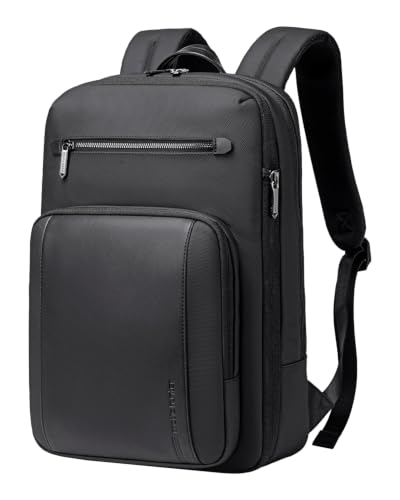
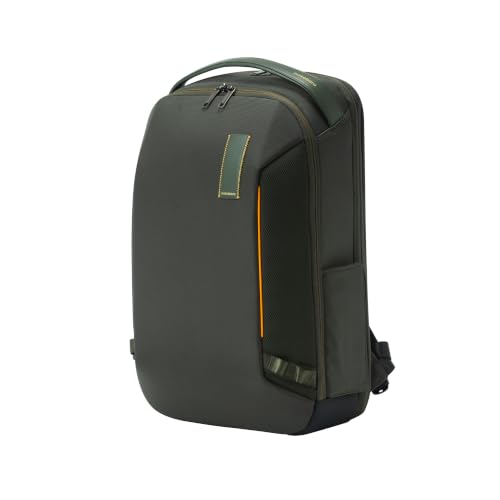
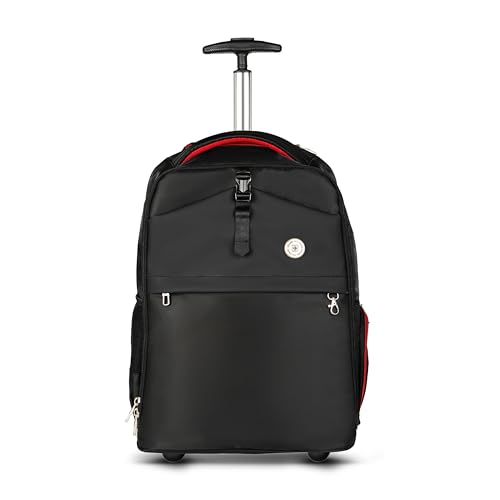
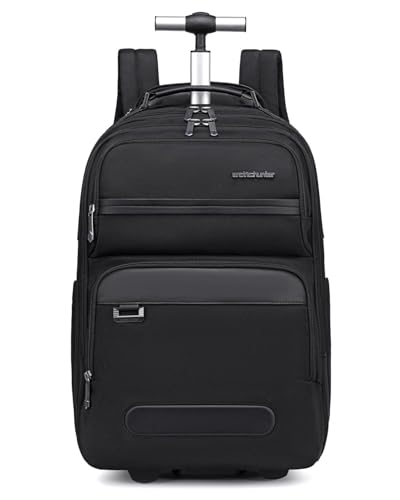
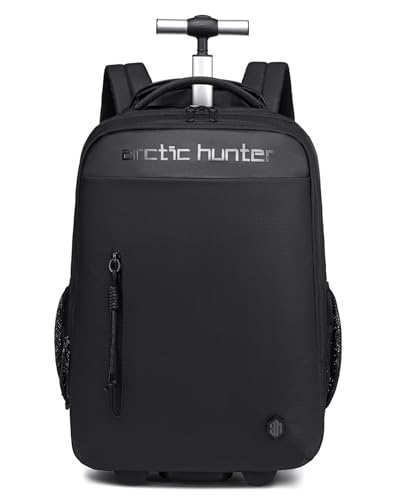
Travel laptop backpack
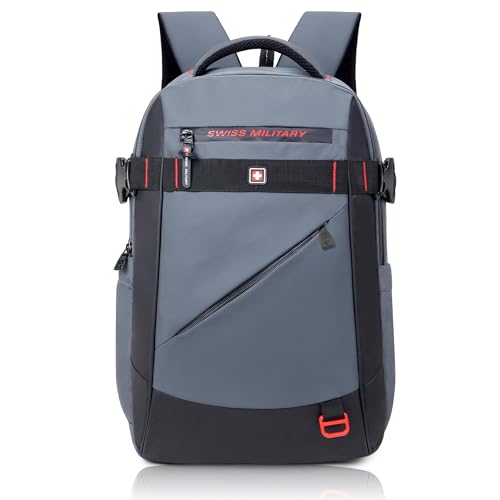

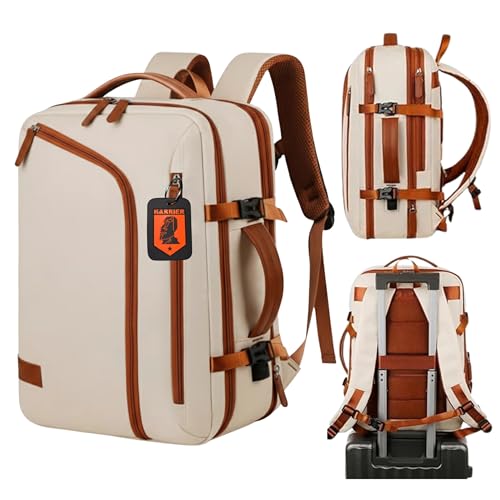
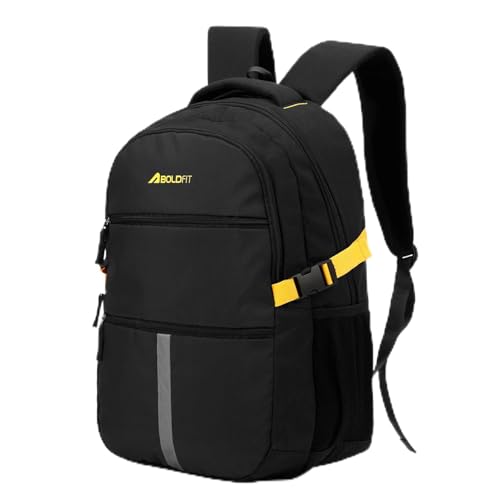

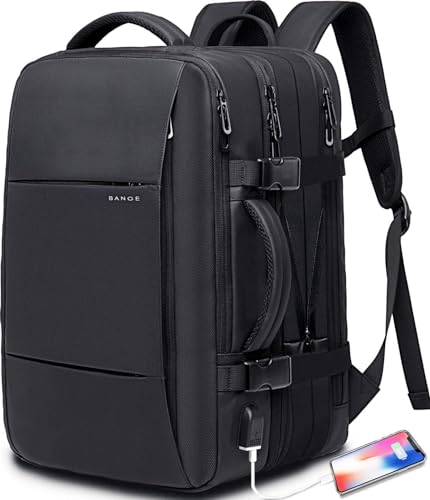

A travel backpack with a dedicated laptop compartment can be useful for airport transfers, train journeys, and work trips.
Features worth checking:
- Separate laptop compartment
- Comfortable shoulder straps
- Multiple organiser pockets
- Secure zippers
- Trolley sleeve
- Suitable capacity for your trip
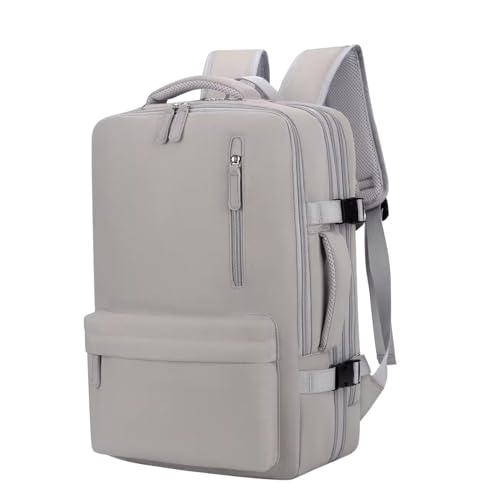
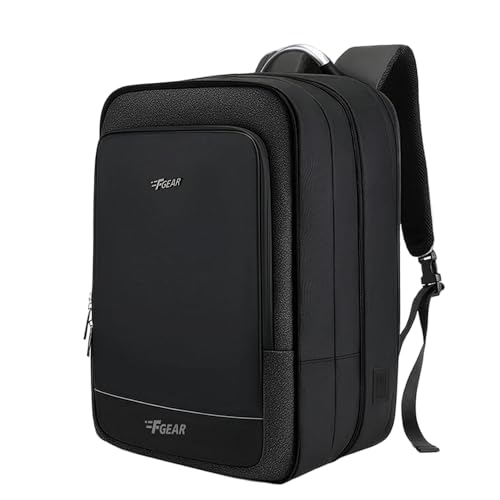
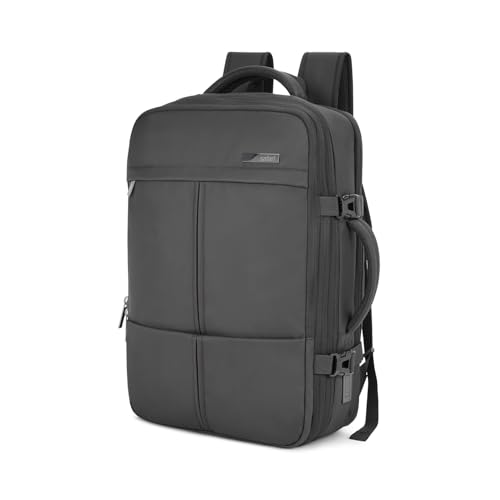
Expandable laptop backpack
Expandable backpacks provide flexibility when you need more room for clothes or travel essentials.
They may be useful for people who want one bag for commuting and short trips.
Check before buying: Expanded dimensions, total weight, laptop fit, and whether the bag remains comfortable when fully packed.

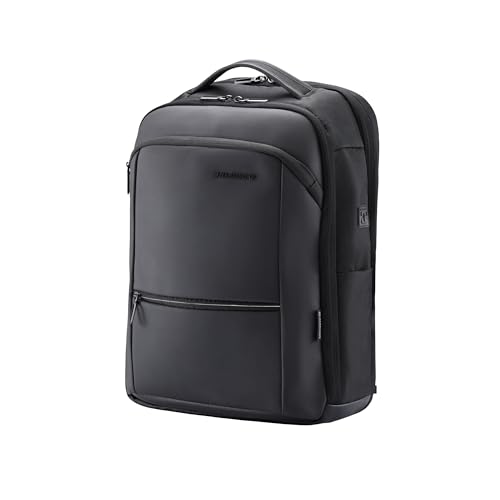

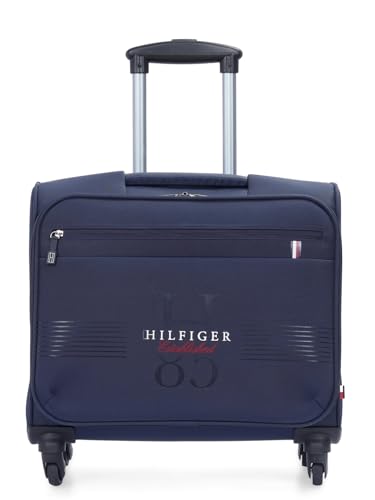
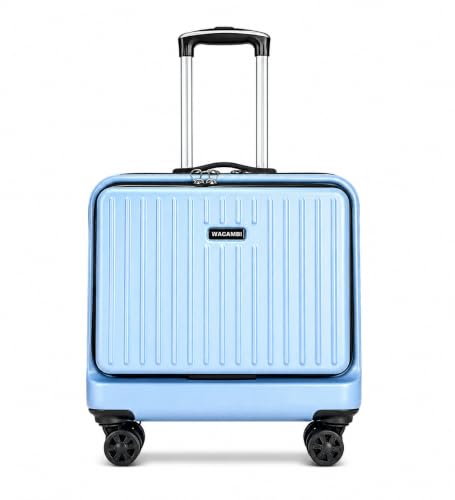
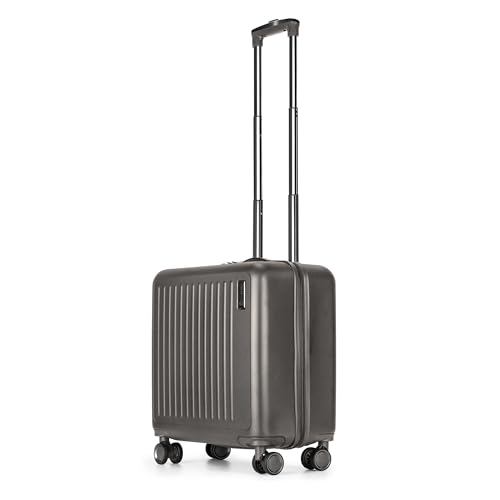
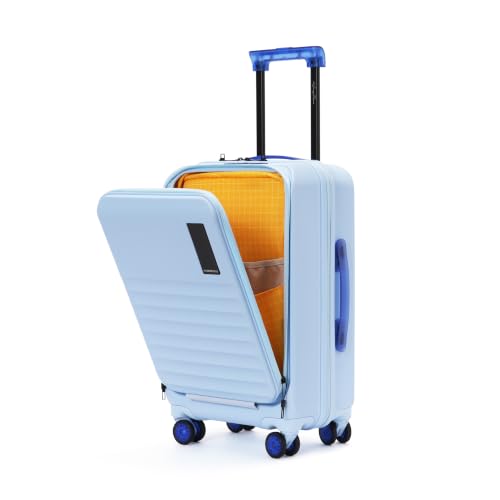
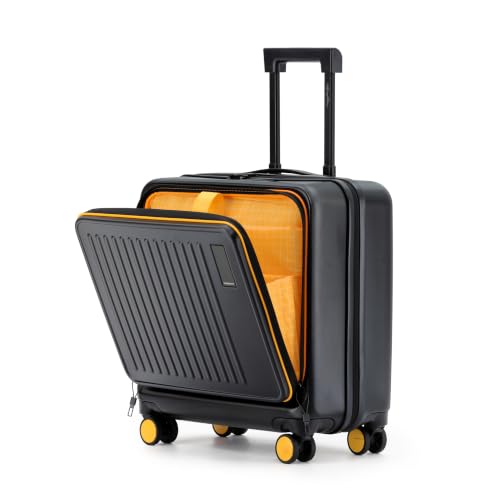
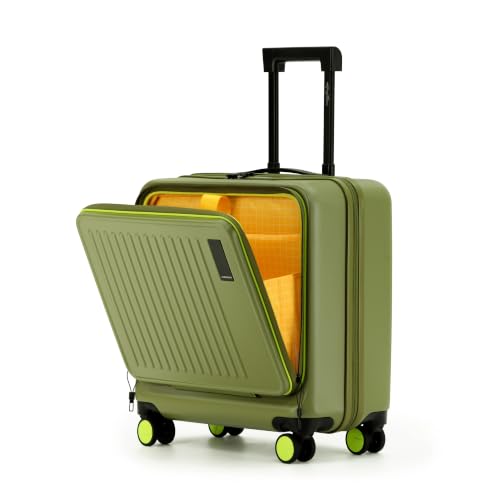
Laptop trolley bag
A laptop trolley bag may be worth considering if you travel frequently and prefer rolling luggage over carrying everything on your shoulders.
Check the handle, wheels, laptop compartment, overall dimensions, and how easily the bag moves when loaded.
For air travel, verify the airline’s current cabin-baggage size and weight rules before departure.
Features to Check Before Buying a Laptop Bag
Dedicated padded laptop compartment
This is one of the most important features to look for.
A separate compartment helps keep your laptop away from chargers, books, and other belongings. Padding can provide cushioning against everyday bumps.
Check that the compartment fits your actual laptop dimensions, not just the screen-size label.
Comfortable shoulder straps
If you commute daily, strap comfort matters.
Look for:
- Adequate padding
- Adjustable length
- Secure stitching
- A shape that sits comfortably on your shoulders
A well-padded strap cannot compensate for an overloaded or poorly balanced bag.
Organiser pockets
A good pocket layout can make your daily routine easier.
Useful compartments may include space for:
- Laptop charger
- Mouse
- USB hub
- Cables
- Notebook
- Pens
- Phone
- Documents
Choose a layout that matches what you actually carry.
Water bottle pocket
A separate bottle pocket can help keep your water bottle away from electronics and documents.
If you carry a bottle every day, check that the pocket is deep and secure enough for your bottle.
Trolley sleeve
A trolley sleeve allows compatible bags to slide over the handle of a suitcase.
This can be useful for airport travel, especially when you want to keep your laptop and work essentials accessible.
Secure zippers and closures
Check the zippers, buckles, and closures before buying.
Look for smooth operation and secure construction. Anti-theft features may add convenience, but no bag can guarantee complete protection against theft.
Weight and capacity
An oversized bag may encourage you to carry unnecessary items, while a very small bag may not fit your daily essentials.
Compare the bag’s empty weight and capacity with your actual needs.
Laptop Bag Size Guide
Laptop screen size is measured diagonally, but the physical dimensions of laptops vary. Two laptops with the same screen size may not fit the same compartment equally well.
| Laptop category | What to check |
|---|---|
| 13–14-inch laptop | Confirm internal compartment dimensions and sleeve fit |
| 15–15.6-inch laptop | Check explicit compatibility and the device’s width and depth |
| 16-inch laptop | Verify the exact compartment dimensions; do not assume a 15.6-inch bag will fit |
| 17-inch gaming laptop | Look for explicit 17-inch compatibility and check the laptop’s thickness |
How to check the fit
Before ordering:
- Find your laptop’s width, depth, and thickness.
- Check the bag’s internal laptop-compartment dimensions.
- Allow for any protective case or sleeve you plan to use.
- Review the return policy in case the fit is unsuitable.
Tip: A bag labelled “15.6-inch laptop compatible” may not fit every 15.6-inch device, particularly thicker gaming laptops.
Laptop Bag Materials: What Should You Choose?
The material affects the bag’s weight, appearance, maintenance, and resistance to everyday wear.
| Material | What to consider |
|---|---|
| Polyester | Common in everyday backpacks; check fabric quality and stitching |
| Nylon | Often used in backpacks and travel bags; compare weave and construction |
| Canvas | Casual appearance; check weight and cleaning requirements |
| Faux leather | Structured appearance; inspect surface and seam quality |
| Genuine leather | Traditional professional look; may require more maintenance and can be heavier |
| Neoprene | Common in laptop sleeves; provides a close-fitting layer of cushioning |
No material alone guarantees durability or water protection. Construction, stitching, zippers, and care also matter.
Water Resistance and Monsoon Protection 🌧️
If you commute during the Indian monsoon, weather protection deserves attention.
Water-resistant bags
Water-resistant materials may help with light splashes or brief exposure to rain, depending on the construction.
However, water resistance does not mean the bag is waterproof.
Bags with rain covers
Some backpacks include a separate rain cover. This can provide an additional layer of protection during wet weather.
Check whether the cover is included with the exact model you are purchasing.
Practical monsoon tips
- Use a rain cover when appropriate.
- Avoid leaving your bag exposed to heavy rain.
- Keep important electronics away from wet bottles and umbrellas.
- Dry the bag properly after it gets wet.
- Check the manufacturer’s cleaning and care instructions.
Important: Do not assume a laptop bag is waterproof unless the manufacturer explicitly states its protection level and intended conditions.
Common Laptop Bag Buying Mistakes
Choosing only by appearance
A stylish bag may not have the right laptop compartment or enough room for your accessories.
Ignoring your laptop’s dimensions
Screen size alone is not enough. Check the actual laptop measurements and the bag’s internal dimensions.
Buying a bag that is too large
Extra capacity can be useful for travel, but a large bag may be unnecessarily bulky for daily commuting.
Overlooking empty weight
A heavy bag becomes even heavier when filled with a laptop, charger, books, and a water bottle.
Assuming water-resistant means waterproof
Check the product’s actual weather-protection claims and whether a rain cover is included.
Carrying a laptop without cushioning
A laptop compartment or suitable sleeve helps separate your device from other belongings.
Ignoring the return policy
If you shop online, review the seller’s return or replacement conditions before placing your order.
Frequently Asked Questions
Which laptop bag is best for office use?
A professional backpack, messenger bag, or briefcase may suit office use. Choose according to your commute, laptop size, and the items you carry.
Which laptop bag is suitable for college?
A multi-compartment backpack can be practical for students who carry a laptop, books, stationery, and a water bottle.
Are laptop backpacks suitable for travel?
Yes, some laptop backpacks are designed for travel. Check the capacity, laptop compartment, comfort, and compatibility with your travel requirements.
Is a laptop sleeve enough?
A sleeve may be enough when you carry only your laptop inside another suitable bag. It offers less organisation and carrying support than a dedicated laptop bag.
What size laptop bag should I buy?
Check your laptop’s physical dimensions against the bag’s internal laptop-compartment dimensions. Do not rely only on the screen-size label.
Are water-resistant laptop bags waterproof?
No. Water-resistant and waterproof are different claims. Check the manufacturer’s specifications and use additional protection during heavy rain.
Is a backpack better than a messenger bag?
Neither is universally better. Backpacks distribute weight across both shoulders, while messenger bags offer convenient access and a different carrying style.
What should I carry in my laptop bag?
Common essentials include your laptop, charger, mouse, cables, notebook, phone, and other items you regularly use. Avoid carrying unnecessary weight.
Should I buy a laptop bag with a USB charging port?
A built-in USB port may provide convenient access to a power bank stored inside the bag, but it does not generate power itself. Check how the port is connected and whether the design suits your needs.
Can I carry my laptop in a regular backpack?
You can, but a regular backpack may not have a dedicated padded laptop compartment. A suitable sleeve can provide an additional layer of separation and cushioning.
Final Thoughts
The right laptop bag should fit your device, suit your daily routine, and make carrying your essentials more convenient. 💻🎒
- For office: Compare professional backpacks, messenger bags, and briefcases.
- For college: Look for a comfortable backpack with useful compartments.
- For travel: Consider a travel backpack with a dedicated laptop section and practical luggage features.
- For minimal carry: A laptop sleeve may be enough when used inside another bag.
- For monsoon commuting: Check the actual weather-protection features instead of relying on appearance alone.
Before buying, confirm the laptop fit, bag weight, compartment layout, material, and current product specifications. A little comparison can help you choose a bag that works for your everyday needs.