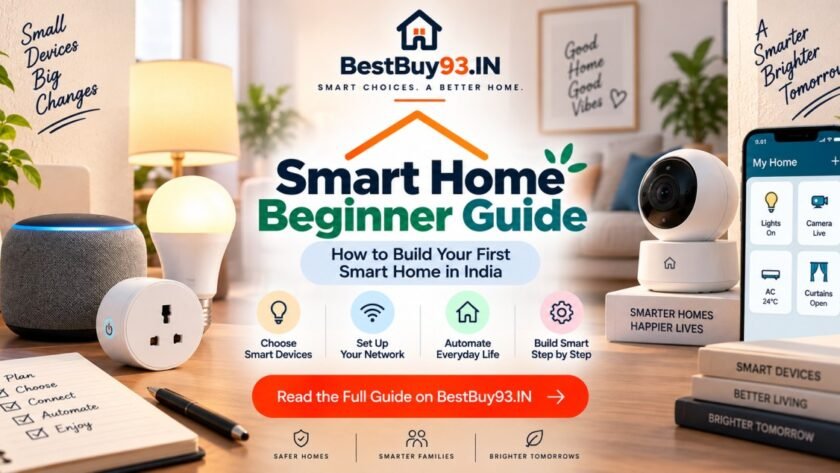

Want to turn your regular home into a smart home but have absolutely no idea where to start? Don’t worry you don’t need to replace every switch, bulb and appliance in the house or spend ₹1 lakh on gadgets. 😄
A smart home can start with something as simple as one smart bulb or one smart plug.
The trick is choosing the right ecosystem, understanding how your devices connect, and buying products that can actually work together. In this beginner-friendly guide, we’ll explain what a smart home is, how smart-home devices communicate, which gadgets you should buy first, what Matter means, how to choose between Alexa, Google Home and other platforms, and how to build a smart home without wasting money.
For Indian homes, we’ll also cover practical considerations such as Wi-Fi compatibility, Indian sockets, power cuts, appliance loads and smart-home automation. 🇮🇳🏠
Also Read | Best Smart Plugs in India for a Smarter Home | WiFi vs Bluetooth Smart Plugs: Which Is Better?
📌 Smart Home Beginner Guide: Quick Answer
The easiest way to build a smart home is to start with one smart-home ecosystem and 2–3 useful devices rather than buying gadgets randomly.
For most beginners, a good starting setup is:
- Smart speaker/display or compatible smart-home controller
- Smart bulb
- Smart plug
- Motion or door sensor
- Simple routines and schedules
You don’t need everything on day one.
Start small, make sure everything works reliably, and then expand.
🏠 What Exactly Is a Smart Home?
A smart home is a home where connected devices can be controlled, monitored or automated through an app, voice assistant, schedules, sensors or routines.
A traditional light works like this:
Switch → Light ON/OFF
A smart light can work like this:
Phone → Wi-Fi/Smart-home network → Light
Or even:
Motion detected → Automation → Light turns ON
That’s where smart homes become genuinely useful.
Instead of simply controlling gadgets remotely, you can create automations where devices respond to something happening around your home.
For example:
Motion detected in hallway → Turn hallway light ON.
Or:
11:30 PM → Turn living-room lights OFF.
Or:
Good Night → Turn lights OFF + switch selected appliances OFF.
And suddenly your house is doing a little bit of the boring work for you. 🤖
🚀 How to Start a Smart Home: The Beginner’s Roadmap
Don’t start by buying 15 random smart devices.
Follow this instead:
Step 1: Choose your ecosystem
Decide whether you want to primarily use:
- Amazon Alexa
- Google Home
- Apple Home
- Samsung SmartThings
- Another compatible smart-home platform
Step 2: Buy one or two devices
Start with something useful, such as:
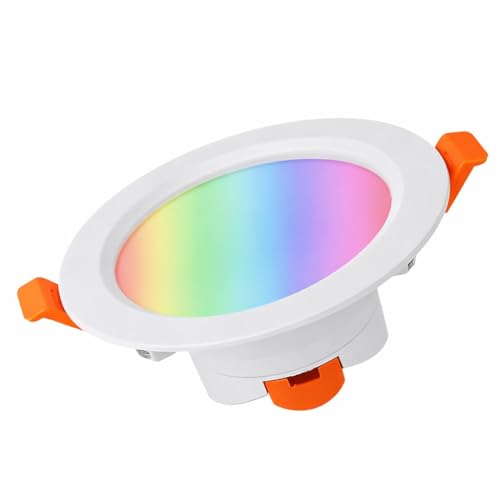
- Smart bulb
- Smart plug
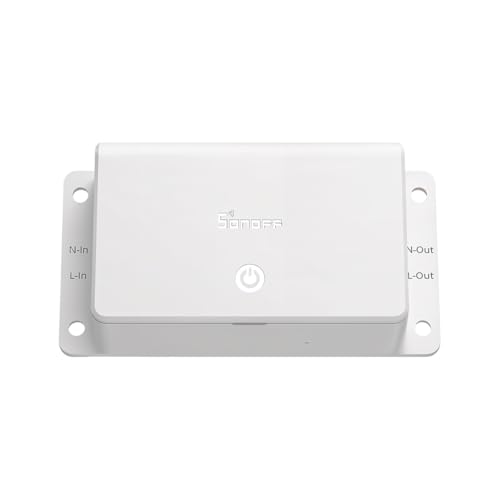
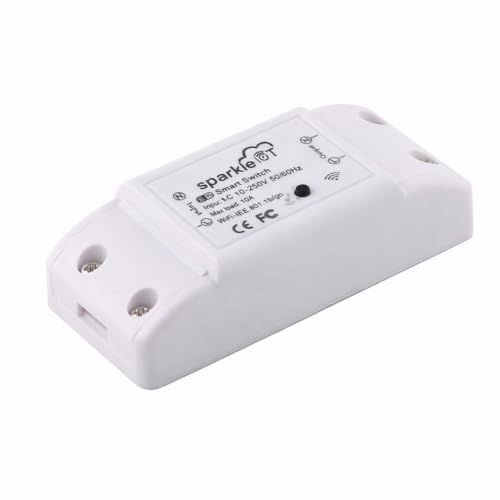
- Smart switch
- Smart speaker
Step 3: Connect everything
Install the manufacturer’s app and follow the setup process.
Step 4: Add your devices to your chosen ecosystem
For compatible devices, you can then control them from your preferred smart-home platform.
Google Home, for example, supports compatible third-party devices and Matter-enabled products. (Google Help)
Step 5: Create one automation
Don’t go crazy.
Start with something simple like:
7 PM → Living-room light ON
Once that works reliably, build more.
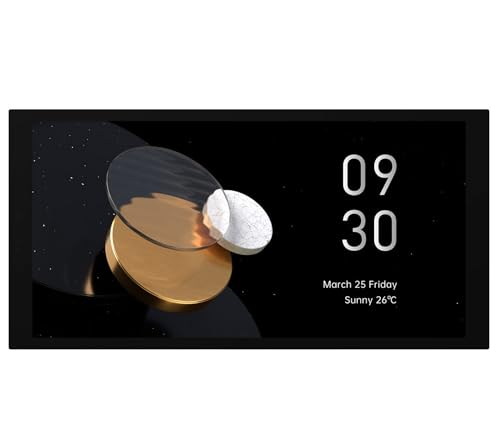
🧠 Smart Home Ecosystems Explained
This is where beginners usually get confused.
You buy a smart bulb from one company.
Then a smart plug from another.
Then a camera from someone else.
Then you discover they all have different apps.
Congratulations. You have successfully built Smart Home Frankenstein. 😂
That’s why choosing an ecosystem matters.
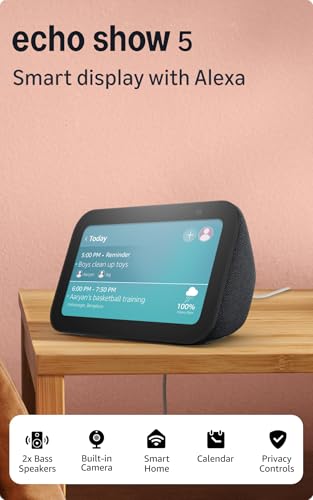
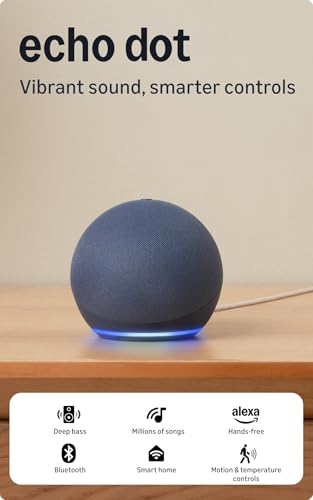
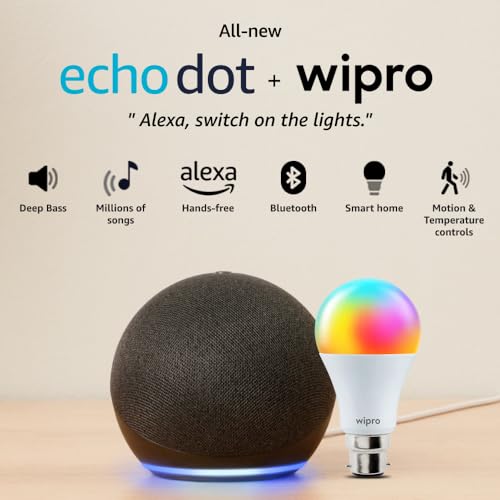
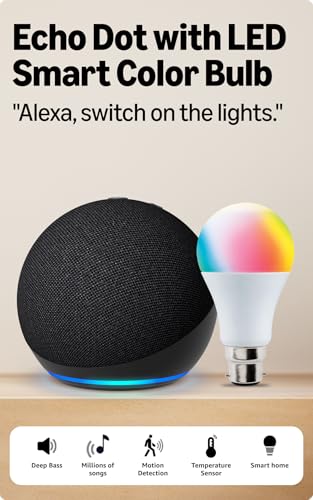
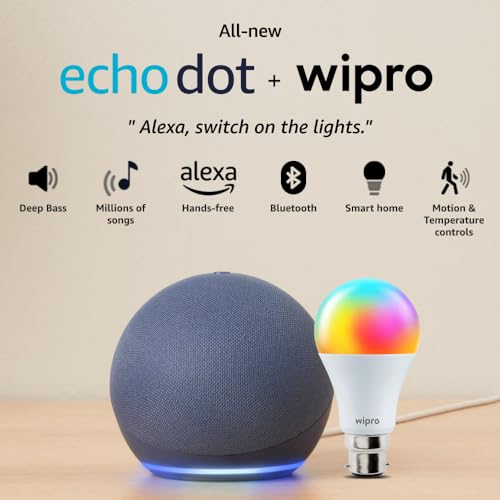
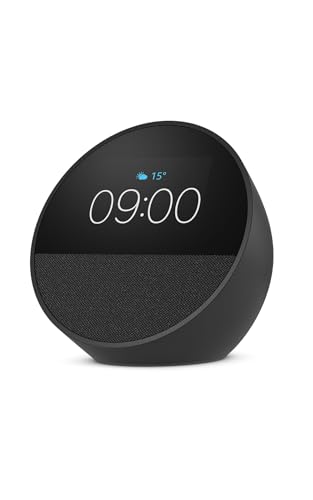
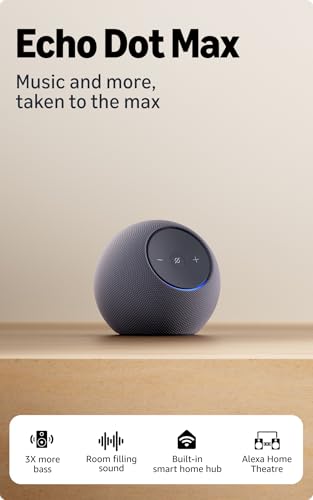
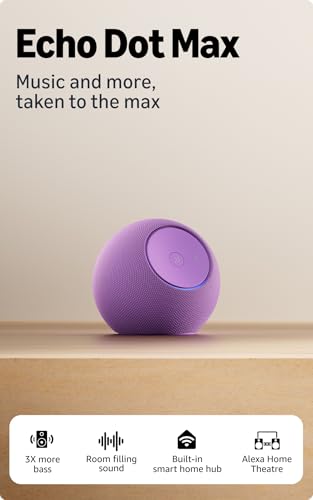
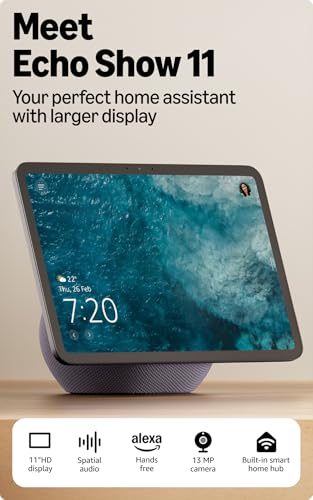
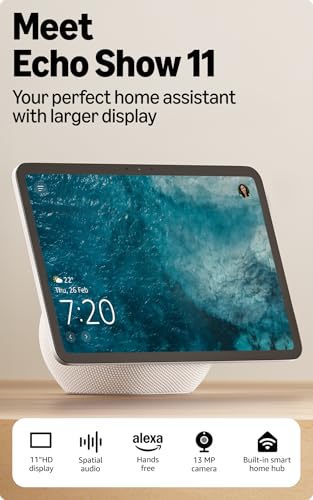
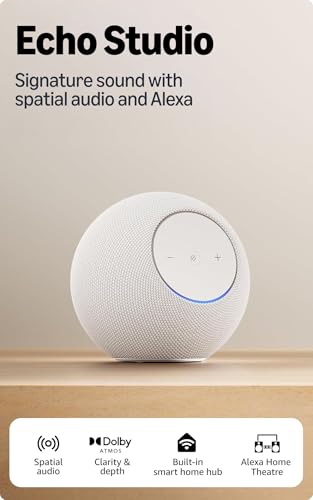
🟠 Amazon Alexa
Alexa is a popular choice for people who want voice control and straightforward smart-home routines.
You can use compatible devices with Alexa and create routines involving multiple products.
For example:
“Alexa, good night.”
And your routine could turn off selected lights and appliances.



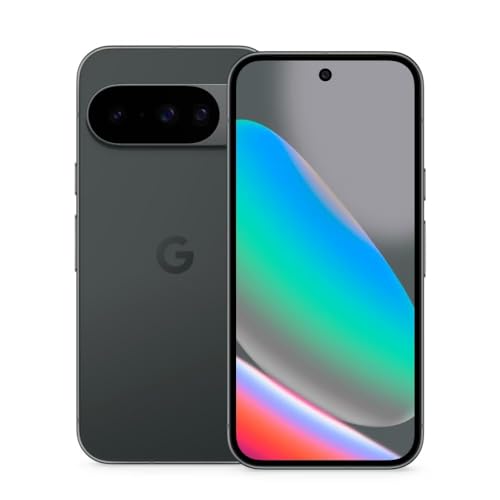
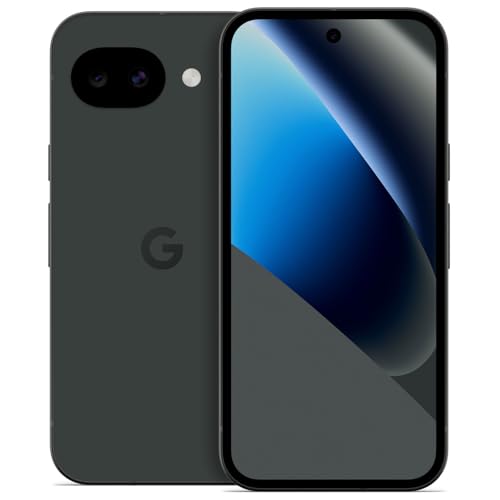
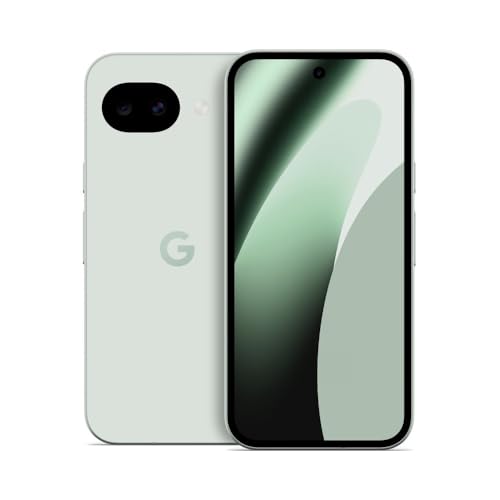
🔵 Google Home
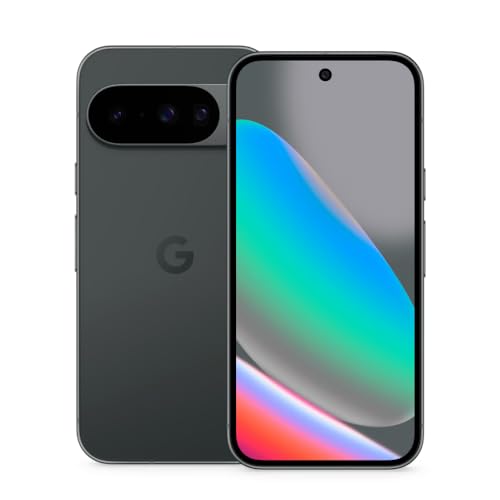
Google Home provides a central app for compatible smart-home devices and supports automations and remote control. It also supports Matter-enabled devices. (Google Help)
It’s particularly convenient if you already use Android phones or other Google services.


🍎 Apple Home
Apple Home is worth considering if you’re already heavily invested in Apple’s ecosystem.
The important thing isn’t simply choosing the “best” platform.
It’s choosing the platform you’ll actually use.
🔗 What Is Matter?
If you’re starting a smart home in 2026, you’re going to see the word Matter everywhere.
And no, Matter isn’t another random smart-home app.
Matter is an industry-wide smart-home interoperability standard designed to make compatible devices from different manufacturers work together more easily.
The Connectivity Standards Alliance describes Matter as a common protocol designed around simplicity, interoperability, reliability and security. (CSA-IOT)
In simple terms:
Without Matter
Brand A → App A
Brand B → App B
Brand C → App C
With compatible Matter devices
Brand A + Brand B + Brand C → Compatible smart-home ecosystem
That’s the dream, anyway and Matter has been moving the industry closer to it.
Matter 1.5, released in 2025, expanded support into areas including cameras, closures and energy-management capabilities, while Matter 1.6 followed in 2026 with further improvements to setup and multi-ecosystem experiences. (CSA-IOT)
Should beginners look for Matter?
Yes, when practical.
But don’t buy a product solely because it has the Matter logo.
Also check:
- Which ecosystem supports it
- Whether a hub/controller is required
- Which features are actually supported
- Whether your phone and existing devices are compatible
Matter improves interoperability, but it doesn’t magically make every feature identical across every ecosystem.
📡 How Do Smart-Home Devices Connect?
Smart devices can use different connectivity technologies.
The most common ones you’ll encounter include:
Wi-Fi
Great for devices that need direct network connectivity.
Common examples:
- Smart plugs
- Smart bulbs
- Cameras
- TVs
- Appliances
Bluetooth
Often useful for device setup or short-range communication.
Thread
Thread is a low-power mesh networking technology increasingly used by modern smart-home devices and is supported as one of the networking technologies used by Matter. (CSA-IOT)
Zigbee
A long-established smart-home wireless technology that uses a mesh network and often requires a compatible hub.
💡 What Smart-Home Devices Should Beginners Buy First?
You don’t need to buy everything.
Here are the devices we’d prioritize.
🥇 1. Smart Bulbs
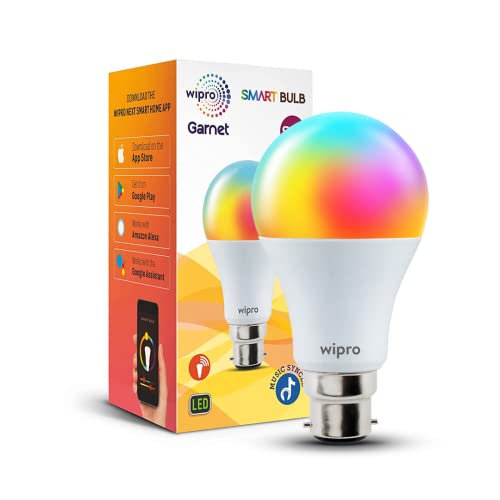
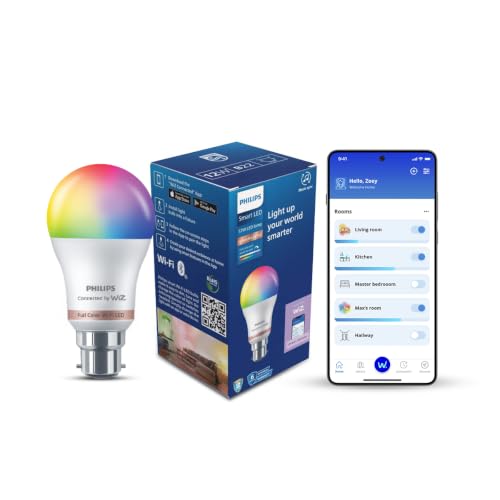
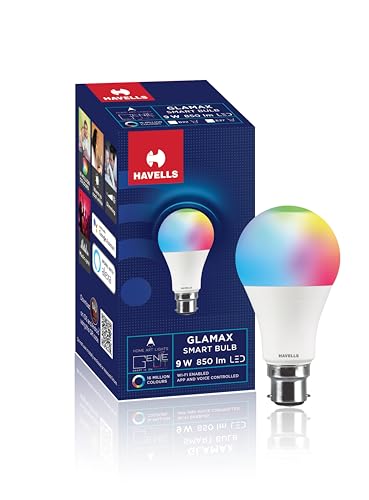
Smart bulbs are probably the easiest introduction to smart-home technology.
You can use them for:
- Remote control
- Scheduling
- Dimming
- Scenes
- Voice control
- Automated lighting
They’re also relatively easy to install.
Best for: Bedrooms, living rooms, study areas and bedside lamps.



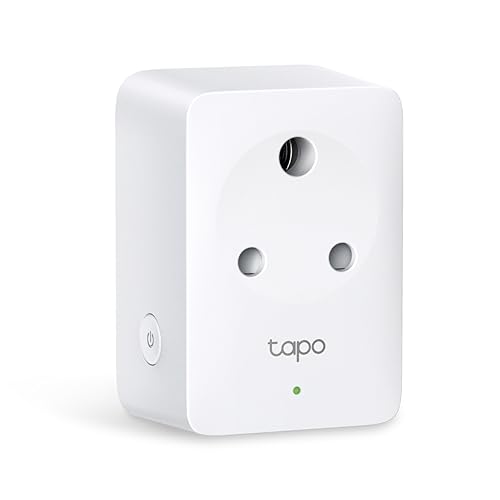
🥈 2. Smart Plugs
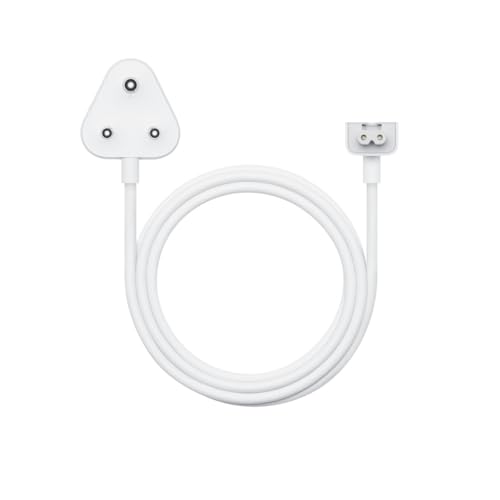
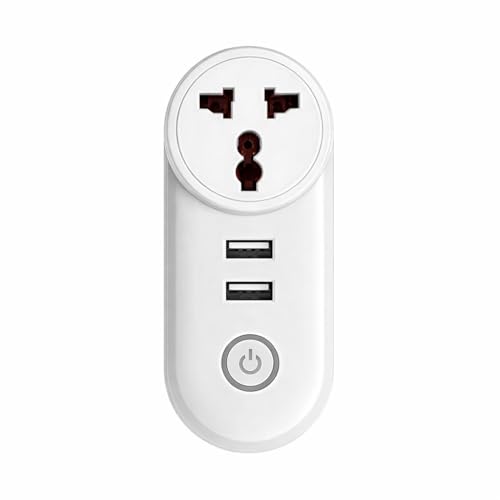
Smart plugs are fantastic because they can make certain ordinary appliances controllable through a smart-home system.
They’re useful for things such as:
- Lamps
- Small fans
- Chargers
- Certain low-power appliances
However, don’t assume every appliance should be connected to a smart plug.
Always check the plug’s electrical rating and the appliance’s load. High-power or heat-producing appliances can require special consideration, and safety-critical equipment should not be casually automated. (Good Housekeeping)
Best for: Simple on/off automation.

🥉 3. Smart Sensors
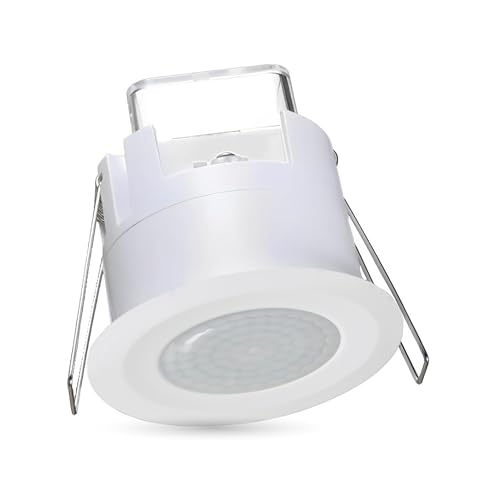
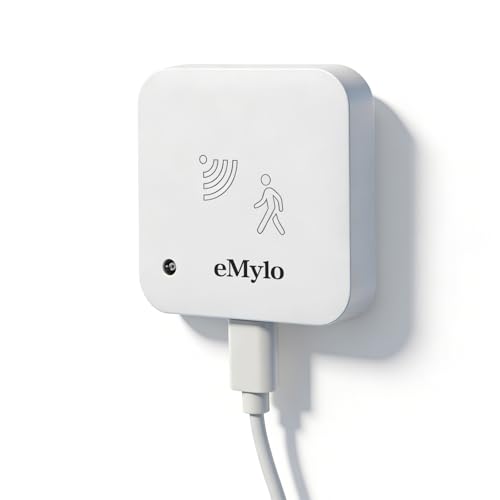
Sensors are where smart homes start getting genuinely clever.
Consider:
- Motion sensors
- Door/window sensors
- Temperature sensors
- Light sensors
A sensor can act as the trigger for an automation.
For example:
Door opens → Hallway light ON
or
No motion detected → Turn light OFF
That’s considerably more useful than simply shouting commands at your light bulb. 😄

🎙️ Do You Need a Smart Speaker?
Not necessarily.
You can operate many smart devices through smartphone apps.
However, a compatible smart speaker or smart-home controller can make voice commands and routines much easier.
For example:
“Turn off the bedroom lights.”
Much easier than unlocking your phone, opening an app, finding the device and tapping a button.
🇮🇳 Smart Home Setup Tips for Indian Homes
Here’s where things get more interesting.
A smart-home setup designed for a US house isn’t necessarily the perfect setup for an Indian home.
Check the plug and socket design
Make sure the device is compatible with your home’s electrical sockets and intended usage.
Check the electrical rating
For appliances with significant power requirements, pay close attention to the smart plug or switch’s rated load.
Don’t buy a smart plug first and ask whether it can handle your appliance later.
That’s backwards.
Check Wi-Fi requirements
Many affordable smart devices rely on 2.4GHz Wi-Fi.
For example, TP-Link India’s current Tapo smart-plug documentation lists 2.4GHz Wi-Fi support for its P-series plugs. (TP-Link)
So before buying, check your router and the exact device specifications.
Think about power cuts
This is especially important in India.
Ask yourself:
What happens when the power goes out and comes back?
You want to know whether your device:
- Automatically reconnects
- Remembers its previous state
- Requires manual setup again
- Can be controlled after the router reconnects
A smart home that forgets everything after one power cut isn’t particularly smart. 😅
⚙️ The Most Useful Smart-Home Automations for Beginners
You don’t need complicated automation.
Start with these.
🌙 Good Night Routine
Trigger: “Good night”
Actions:
- Turn selected lights OFF
- Turn compatible appliances OFF
- Set selected lights to night mode
🌅 Morning Routine
Trigger: 7:00 AM
Actions:
- Turn bedroom light ON
- Turn selected smart plug ON
- Start your morning routine
🚪 Entry Automation
Trigger: Door opens
Action:
- Turn hallway light ON
💡 Motion Lighting
Trigger: Motion detected
Action:
- Turn light ON
Condition: Only after sunset
This prevents your lights from turning on unnecessarily during the day.
💰 How Much Should You Spend on Your First Smart Home?
You don’t need a huge budget.
Instead of trying to create a complete smart home immediately, build it in stages.
Starter setup
1 smart bulb + 1 smart plug
Perfect for understanding how smart devices work.
Better setup
Smart speaker + smart bulbs + smart plugs
Now you can start using voice commands and routines.
Advanced setup
Add:
- Sensors
- Smart switches
- Cameras
- Smart locks
- Energy monitoring
- More sophisticated automations
The important thing is to expand based on actual problems you’re trying to solve.
Don’t buy a smart device just because the box says “AI-powered.” 😭
🛒 What to Look for Before Buying Smart-Home Devices
Before pressing Buy Now, check these things:
| Feature | Why It Matters |
|---|---|
| Ecosystem compatibility | Ensures your devices can work together |
| Matter support | Can improve cross-platform compatibility |
| Wi-Fi compatibility | Determines network requirements |
| 2.4GHz support | Common requirement for many devices |
| Hub requirement | Some devices need an additional controller |
| App quality | You’ll use it during setup and troubleshooting |
| Voice assistant support | Useful for hands-free control |
| Automation support | Turns individual gadgets into a smart home |
| Electrical rating | Essential for smart plugs/switches |
| Power recovery behavior | Important during power cuts |
| Firmware updates | Helps with security and reliability |
| Warranty/support | Useful when something inevitably decides to misbehave |
🔐 Smart Home Security: Don’t Skip This
A connected home also means more connected devices.
That means security matters.
Use strong passwords
Don’t reuse your primary email password for every smart-home account.
Keep firmware updated
Manufacturers release updates to fix bugs and security issues.
Buy from reputable brands
A cheap smart device isn’t necessarily a bargain if its software is abandoned six months later.
Review permissions
Check what access the manufacturer’s app requests.
Secure your Wi-Fi
Your router is effectively the front door to your connected home.
🧪 Our Smart Home Buying Methodology
For beginner smart-home recommendations, we focus on real-world usability rather than simply counting features.
We evaluate devices and ecosystems based on:
- Connectivity
- Ecosystem compatibility
- Matter support where applicable
- Setup complexity
- Automation capabilities
- Voice-assistant support
- App experience
- Electrical specifications
- Reliability
- Security considerations
- Long-term upgrade potential
- Value for Indian buyers
We also recommend checking current manufacturer specifications and compatibility before purchasing because smart-home platforms and supported features continue to evolve.
❓ Frequently Asked Questions
What should I buy first for a smart home?
Start with one smart bulb or smart plug, preferably compatible with the ecosystem you plan to use. Add a smart speaker or controller if you want voice control.
Is Matter necessary for a smart home?
No. You can build a smart home without Matter. However, Matter support can be valuable when you want greater interoperability between compatible brands and ecosystems.
Can I mix different smart-home brands?
Yes, provided the devices support a common ecosystem or interoperability standard. Matter is specifically designed to improve compatibility across participating ecosystems. (CSA-IOT)
Does a smart home need Wi-Fi?
Not necessarily. Different smart-home technologies use different connectivity methods, including Wi-Fi, Thread, Bluetooth and Zigbee.
Can smart devices work during a power cut?
Only if the device and the surrounding network infrastructure have power. Once power is restored, behavior depends on the specific product and its power-recovery settings.
Is Alexa or Google Home better for beginners?
Neither is universally better. Choose based on the devices you already own, the ecosystem you prefer and the products you plan to buy.
Are smart plugs safe?
Smart plugs can be safe when properly rated and installed, but they should only be used within their specified electrical limits. Be especially careful with high-power, heat-producing or safety-critical appliances. (Good Housekeeping)
🏁 Final Verdict: How Should a Beginner Build a Smart Home?
Don’t try to make your entire house smart on day one.
That’s the biggest mistake beginners make.
Instead:
Choose an ecosystem → buy 1–2 useful devices → connect them → create one automation → learn what you actually need → expand gradually.
For most beginners in India, a smart bulb + smart plug + compatible voice assistant/controller is a great place to start.
And when you’re buying new devices, keep an eye on Matter compatibility, ecosystem support, electrical ratings, Wi-Fi requirements and long-term software support.
The best smart home isn’t the one with the most gadgets.
It’s the one where technology quietly solves annoying little problems without creating five new ones. 🏠✨
Start small. Automate what matters. Add gadgets only when they genuinely make life easier.
That’s how you build a smart home that actually feels smart.