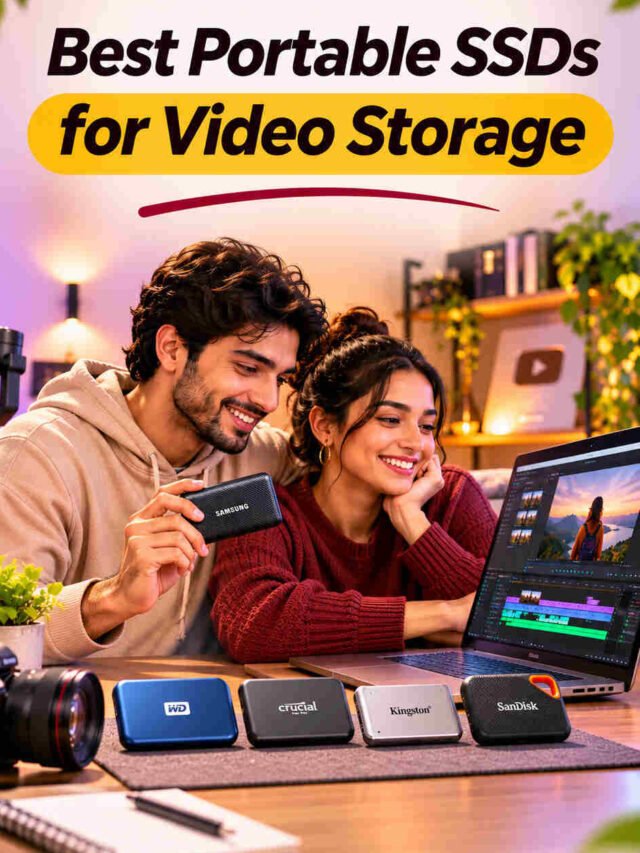
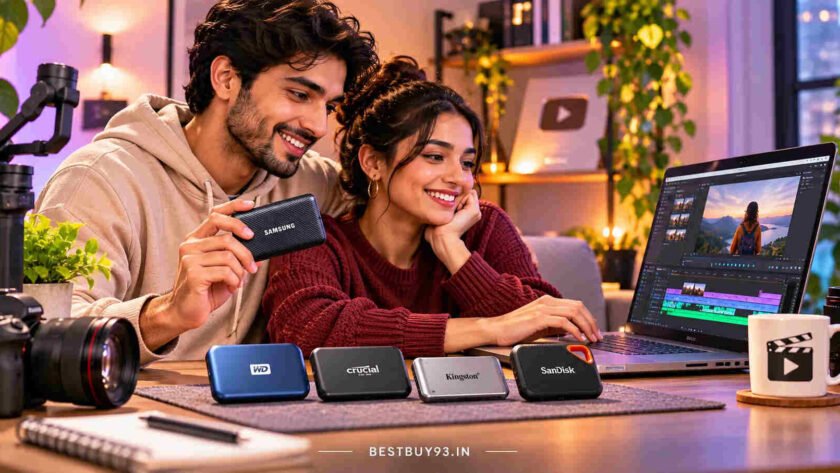

Video files have a special talent for making a perfectly spacious laptop feel full overnight. 🎥💾
Shoot a few days of 4K footage, add B-roll, proxies, project files, exports and revisions, and suddenly that 512GB internal SSD is fighting for its life.
That’s exactly where a good portable SSD for video storage earns its place.
Unlike a traditional portable hard drive, a portable solid-state drive has no spinning mechanical disk. That usually means faster transfers, better resistance to everyday knocks and enough performance on higher-end models to edit video directly from the external drive.
But buying the fastest number printed on an SSD box isn’t necessarily smart.
A drive advertised at 2,000MB/s may run much slower if your laptop only supports a 10Gbps USB port. A rugged SSD may be more useful to a travel filmmaker than an ultra-fast studio drive. And for someone mainly archiving finished YouTube videos, paying premium money for 4,000MB/s performance is basically buying a Ferrari to collect groceries.
For this guide, we compared portable SSDs suitable for video creators based on read/write speed, sustained performance, capacity, connection standard, ruggedness, portability, direct-recording potential, warranty and suitability for real creator workflows.
Whether you shoot YouTube videos, reels, podcasts, weddings, travel films or professional 4K/8K footage, these are the portable SSDs worth considering in 2026.
Also Read | Best Smartphones for YouTube Video Recording
Quick Answer: Which Portable SSD Is Best for Video Storage?
| Pick | Portable SSD | Maximum Speed | Capacity | Best For |
|---|---|---|---|---|
| 🏆 Best Overall | Samsung T9 | Up to 2,000MB/s | 1TB–4TB | Most serious creators |
| 🚀 Best Premium | Samsung P9 | 4,000/3,800MB/s | Up to 8TB | Professional 8K/12K workflows |
| 🛡️ Best Rugged | Samsung T7 Shield | 1,050/1,000MB/s | 1TB–4TB | Travel & outdoor shoots |
| 🎬 Best Editing Alternative | Crucial X10 Pro | 2,100/2,000MB/s | Up to 4TB | Editing directly from SSD |
| 🪶 Best Compact High-Speed | Kingston XS2000 | Up to 2,000MB/s | 500GB–4TB | Lightweight creator kit |
| 💰 Best Value Compact SSD | Kingston XS1000 | 1,050/1,000MB/s | 1TB–2TB | YouTubers & casual creators |
| 🔐 Best Mainstream Backup SSD | WD My Passport SSD | 1,050/1,000MB/s | 500GB–4TB | Video archive + secure backup |
| 🌧️ Best Rugged Creator Alternative | SanDisk Extreme Portable SSD (2026) | Up to 2,000MB/s | 1TB–4TB | Field creators |
Our Top Pick
For most serious video creators, the Samsung T9 remains our most balanced recommendation.
Its USB 3.2 Gen 2×2 interface supports up to 2,000MB/s read/write-class performance, it comes in capacities up to 4TB, and Samsung specifically positions its sustained performance for high-resolution recording and content-creation workflows.
However, creators working with extremely large RAW files or professional 8K/12K workflows should now look at the newer Samsung P9.
Samsung’s 2026 P9 jumps to USB4 with up to 4,000MB/s sequential read and 3,800MB/s write speeds, and Samsung says its sustained-write design supports direct 12K recording in compatible workflows.
1. Samsung T9 Portable SSD — Best Overall
The Samsung T9 hits a sweet spot between professional performance and everyday usability.
Samsung rates the drive for up to 2,000MB/s sequential read speeds, with sequential write performance reaching up to 2,000MB/s depending on capacity. It uses a USB 3.2 Gen 2×2 20Gbps connection and is available in 1TB, 2TB and 4TB capacities.
Why We Recommend It
Video creators frequently move much larger files than ordinary laptop users.
A single project folder might contain:
- Camera originals
- Drone footage
- Phone clips
- Separate audio tracks
- Proxy files
- Motion graphics
- Project files
- Final exports
That is where the T9’s higher bandwidth can make a noticeable difference compared with basic 500MB/s portable SSDs.
Samsung also specifically highlights sustained write performance and direct high-resolution recording capability, which is more relevant to video work than simply advertising a huge burst-speed number.
Key Features
- USB 3.2 Gen 2×2
- Up to 2,000MB/s read
- Up to 2,000MB/s write depending on capacity
- 1TB, 2TB and 4TB capacities
- Up to 3m drop resistance
- AES 256-bit hardware encryption
- Five-year limited warranty
- USB-C to C and USB-C to A cables
Best For
- YouTubers
- Video editors
- Wedding filmmakers
- 4K projects
- Multi-camera projects
- Creators frequently transferring large footage folders
Who Should Skip It
Skip the T9 if your computer only has 10Gbps USB 3.2 Gen 2 ports and you have no plan to upgrade.
The T9 needs a compatible 20Gbps USB 3.2 Gen 2×2 host connection to approach its headline performance.
If your laptop bottlenecks the drive to around 10Gbps, a cheaper T7 Shield or Kingston XS1000 may deliver almost the same practical transfer speeds.
Pros & Cons
| Reasons to Buy | What We Don’t Like |
|---|---|
| Up to 2,000MB/s-class performance | Requires 20Gbps USB for full speed |
| Strong sustained performance | More expensive than 10Gbps drives |
| Up to 4TB | 122g is heavier than Kingston’s compact drives |
| Five-year warranty | Overkill for simple archives |
| Hardware encryption | No IP65 rating like T7 Shield |
| Creator-focused design | Host compatibility matters greatly |
Our Verdict
The T9 is the best overall portable SSD for serious video creators who have compatible hardware.
It is fast enough for demanding editing and file-transfer workflows without jumping to the significantly higher pricing of the newest USB4 drives.

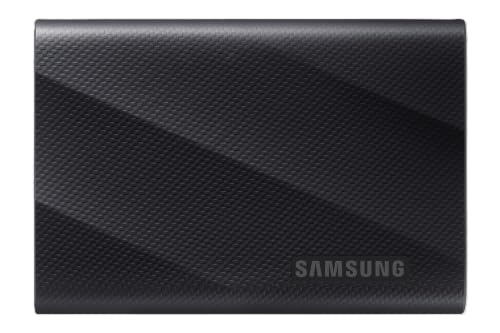
2. Samsung P9 Portable SSD — Best Premium SSD for Professional Video
The portable SSD market moved forward significantly in 2026 with Samsung’s P9.
Instead of USB 3.2 Gen 2×2, the P9 uses USB4.
Samsung rates it for:
- Up to 4,000MB/s sequential read
- Up to 3,800MB/s sequential write
- Capacities reaching 8TB
- Sustained-write performance designed for demanding professional recording workflows
Samsung also says the P9 can support 12K direct recording under compatible camera, codec and recording conditions.
Why This Matters for Video Creators
Peak transfer speed is nice.
Sustained write performance is arguably more important for direct recording.
A drive may briefly hit a massive benchmark number but slow significantly after its high-speed cache fills.
Samsung states that after its Intelligent TurboWrite region, P9 sustained sequential writes can remain at around 2,000MB/s on the 2TB, 4TB and 8TB versions, while the 1TB version is rated lower.
That makes the larger capacities more interesting for serious production workflows.
Best For
- Professional filmmakers
- RAW video
- 8K/12K recording
- Blackmagic workflows
- Multi-stream editing
- Professional production houses
- Creators who edit directly from external storage
Who Should Skip It
Most YouTubers do not need a P9.
If your typical workflow consists of:
- 1080p talking-head videos
- 4K H.264 or H.265 clips
- Shorts
- Reels
- Basic vlog footage
…you’re unlikely to benefit enough from 4GB/s performance to justify the premium.
Price Reality
Samsung announced Indian P9 pricing starting around ₹32,639 for 1TB, with much higher pricing for larger capacities.
That immediately makes the P9 a professional rather than mainstream recommendation.
Our Verdict
Fastest and most capable Samsung option in this list but also the easiest one to overspend on.
Buy the P9 because your workflow needs USB4 throughput and sustained high-resolution performance, not because 4,000 looks prettier than 2,000 on a spec sheet.
Buy Now on Amazon India

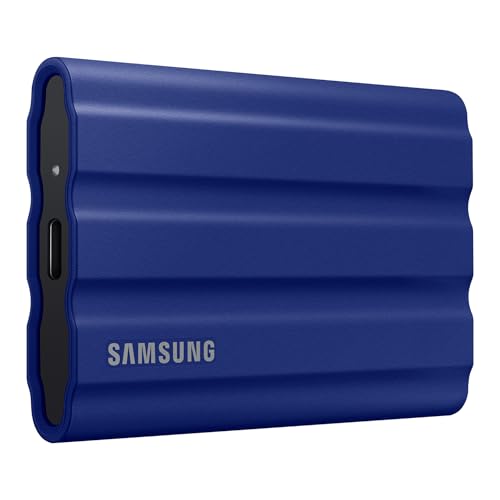
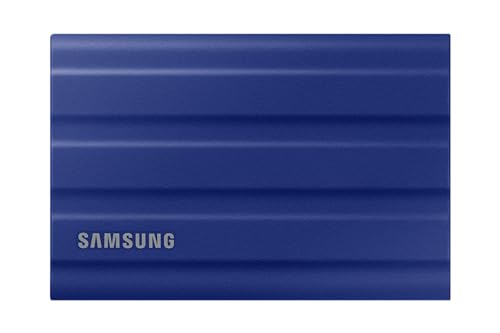
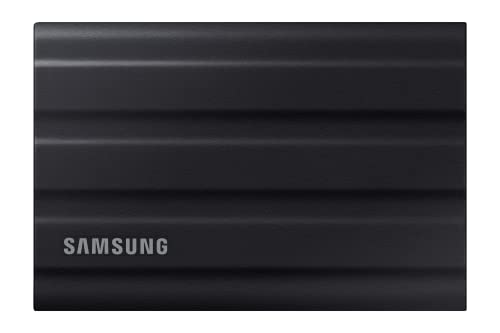
3. Samsung T7 Shield — Best Rugged Portable SSD for Travel Creators
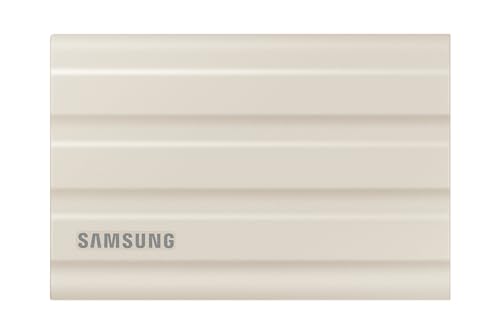
For travel creators, outdoor shooters and anyone who treats camera bags slightly less gently than they should, the Samsung T7 Shield remains one of the easiest SSDs to recommend.
Samsung rates it for:
- Up to 1,050MB/s sequential read
- Up to 1,000MB/s sequential write
- USB 3.2 Gen 2
- IP65 dust and water resistance
- Up to 3m drop resistance
- Capacities from 1TB to 4TB
Why We Recommend It
The T7 Shield is not the fastest drive here.
That’s precisely why it makes sense.
Most modern laptops can actually utilise a 10Gbps USB SSD properly, while 20Gbps drives sometimes run into port limitations.
For transferring:
- 4K camera footage
- YouTube footage
- Photos
- Audio
- Project backups
…around 1GB/s-class speeds are already very useful.
The Rugged Advantage
The T7 Shield’s IP65 rating is particularly valuable for field work.
It does not mean you should take the SSD swimming.
It does mean the drive is designed to provide stronger protection against dust and water exposure than non-rated portable drives.
That matters when you’re shooting around:
- Beaches
- Outdoor events
- Dusty locations
- Travel destinations
- Weddings
- Monsoon conditions
Because somehow rain only arrives after you’ve unpacked every expensive electronic device you own. 😭
Best For
- Travel vloggers
- Wedding photographers/videographers
- Outdoor content creators
- YouTubers
- Drone shooters
- Field backups
Who Should Skip It
If you’re always working at a desk and your laptop supports 20Gbps or USB4, the T9 or P9 offers considerably higher performance.
Our Verdict
Best rugged all-round SSD for creators who prioritise durability over benchmark bragging rights.

4. Crucial X10 Pro — Best Alternative for Editing Directly From SSD
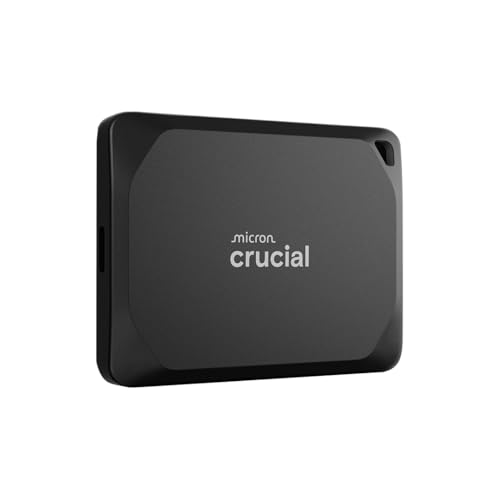
The Crucial X10 Pro is designed specifically with creative professionals in mind.
Crucial rates it for up to:
- 2,100MB/s sequential read
- 2,000MB/s sequential write
- Up to 4TB storage
- IP55 water and dust resistance
Crucial explicitly positions the X10 Pro for editing, trimming and rendering video directly from the portable drive.
Why We Recommend It
The X10 Pro combines:
high speed + ruggedness + creator positioning.
That makes it particularly attractive to editors who want one portable drive to:
- Offload footage
- Carry the project
- Edit the project
- Render/export files
…without constantly moving everything onto internal storage.
IP55 Protection
IP55 isn’t as strong as Samsung T7 Shield’s IP65 rating against dust ingress, but it still adds useful environmental protection for field use.
Best For
- Premiere Pro projects
- DaVinci Resolve
- Final Cut workflows
- Lightroom/video hybrid creators
- Multi-camera editing
- Editing from portable storage
Who Should Skip It
As with the Samsung T9, you need a sufficiently fast host port to exploit 2,000MB/s-class transfer speeds.
Our Verdict
One of the strongest alternatives to Samsung T9 for professional creators.
If you find the X10 Pro substantially cheaper than the T9 in the same capacity, it becomes especially attractive.

5. Kingston XS2000 — Best Compact High-Speed SSD
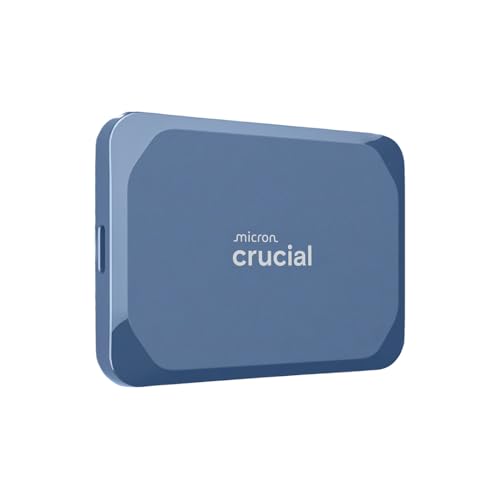
The Kingston XS2000 manages to pack USB 3.2 Gen 2×2 performance into an absurdly small drive.
Kingston rates the XS2000 for:
- Up to 2,000MB/s read
- Up to 2,000MB/s write
- 500GB, 1TB, 2TB and 4TB capacities
- USB-C
- IP55 resistance with the supplied sleeve
- Approximately 28.9g weight
Yes, roughly 29 grams.
Your SSD can now weigh less than some camera lens caps.
Why We Recommend It
Creators already carry enough equipment:
- Camera
- Lenses
- Batteries
- Charger
- Power bank
- Microphone
- Tripod
- Gimbal
- Filters
- Cables
- Laptop
The XS2000 adds high-speed storage without becoming another bulky object in your bag.
Kingston specifically mentions offloading and editing high-resolution images and 8K video as a use case.
Best For
- Mobile creators
- Travel filmmakers
- Drone operators
- Lightweight camera kits
- 4K/8K video storage
- Editors who move between workstations
Who Should Skip It
Again: USB 3.2 Gen 2×2 compatibility matters.
Don’t pay 20Gbps-drive prices just to plug it into a 5Gbps USB port.
Our Verdict
Excellent performance-to-size ratio.
For creators obsessed with keeping their kit compact, the XS2000 is one of the most interesting SSDs here.
Buy Now on Amazon India


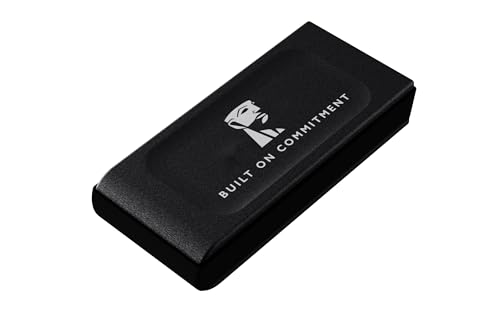
6. Kingston XS1000 — Best Value Compact SSD
The XS1000 is the more mainstream sibling of the XS2000.
It uses USB 3.2 Gen 2, with Kingston rating performance at up to:
- 1,050MB/s read
- 1,000MB/s write
- 1TB or 2TB capacity
And it weighs just 28.7g.
Why It Makes Sense
For many creators, this is enough.
Editing ordinary compressed 4K footage does not automatically require a 4,000MB/s SSD.
A good 10Gbps drive can comfortably handle:
- Camera backups
- YouTube projects
- Shorts and reels
- Photo libraries
- B-roll storage
- Final exports
- Project archives
Included Connectivity
Kingston supplies a USB-C drive connection with USB-A compatibility through its included cable/adapter setup.
That is useful if you regularly move between newer and older computers.
Best For
- Beginner YouTubers
- Bloggers
- Casual filmmakers
- Students
- 4K video archives
- Creators using mainstream laptops
Who Should Skip It
Professionals constantly moving hundreds of gigabytes should consider the XS2000, T9 or newer USB4 options.
Our Verdict
The sensible choice when you want SSD speed without paying professional-workflow prices.

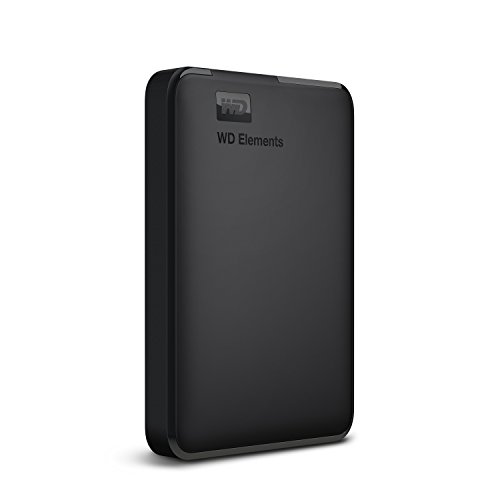
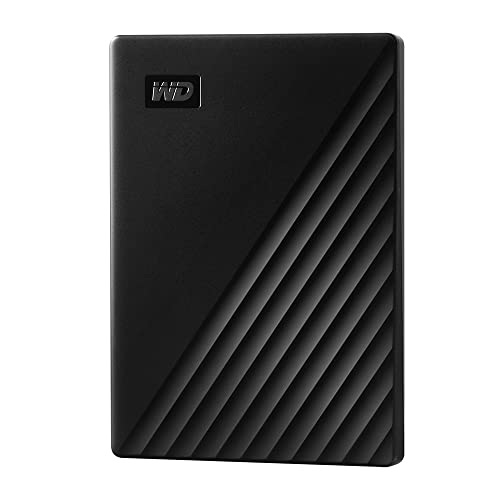
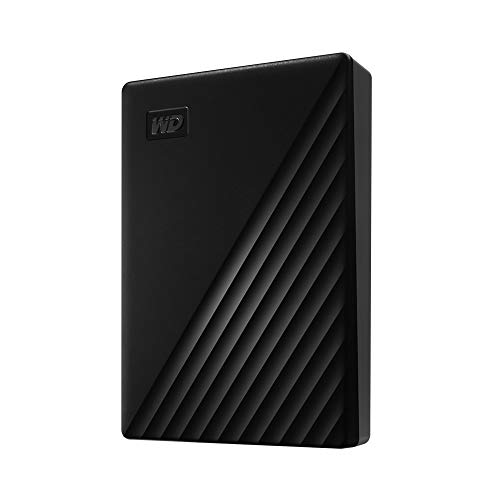
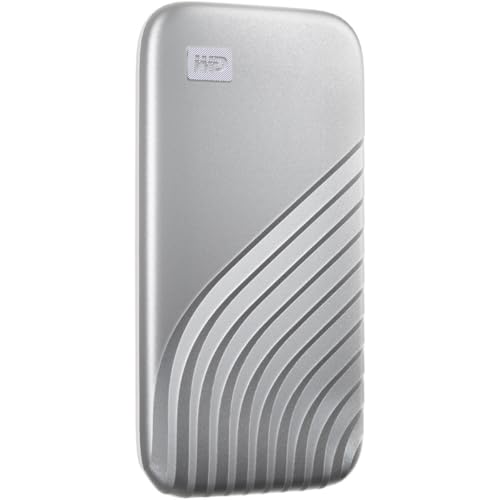
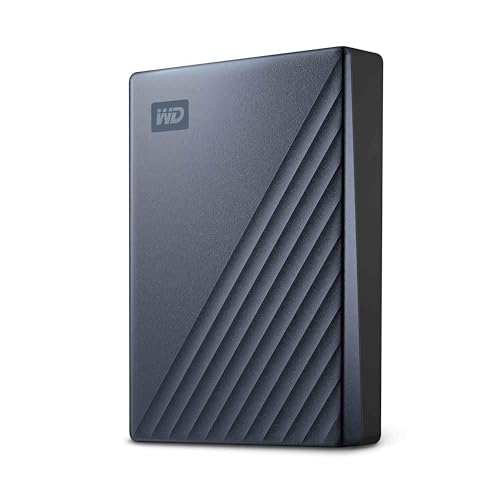
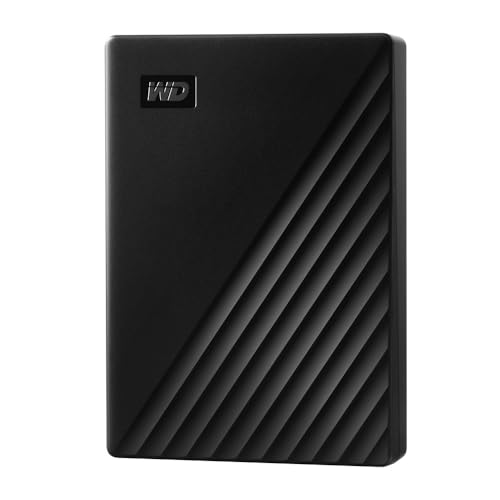
7. WD My Passport SSD — Best for Secure Video Backup
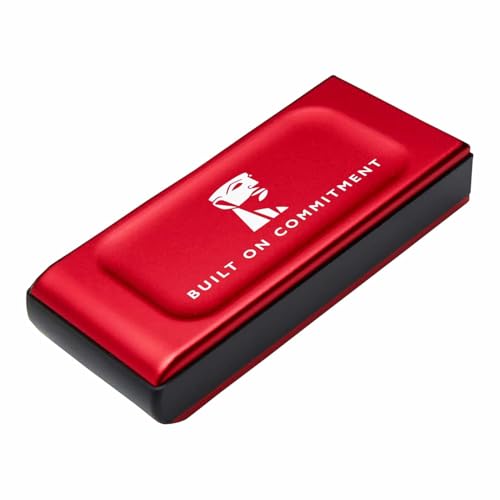
WD’s My Passport SSD combines 10Gbps-class speed with useful security features.
The current model offers:
- Up to 1,050MB/s read
- Up to 1,000MB/s write
- USB 3.2 Gen 2
- USB-C
- 256-bit AES hardware encryption
- Up to 1.98m drop resistance
- Five-year limited warranty
- Capacities reaching 4TB
Why We Recommend It
This isn’t the drive I’d buy specifically for maximum editing performance.
It’s the drive I’d consider for portable project backup and archive storage.
Encryption is particularly useful if your drive contains:
- Client footage
- Unreleased videos
- Commercial work
- Wedding footage
- Private interviews
- Confidential corporate projects
Losing an SSD hurts.
Losing an SSD containing confidential client footage without encryption hurts in a completely different way.
Best For
- Freelancers
- Client projects
- Finished video archives
- Business footage
- Secure portable backup
Our Verdict
A mature, sensible option for creators who care as much about protecting footage as moving it quickly.

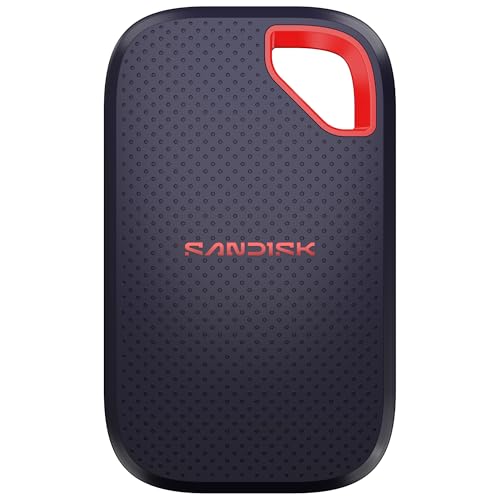
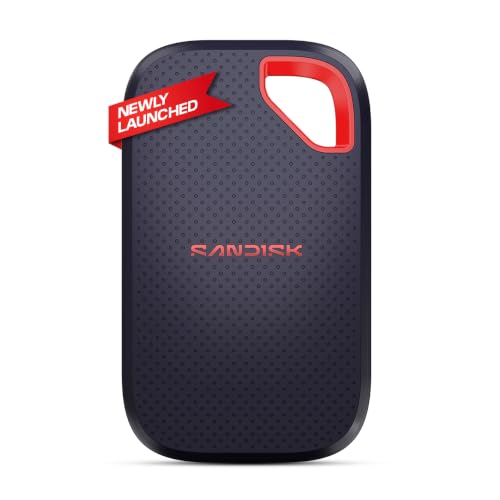
8. SanDisk Extreme Portable SSD (2026) — Best Rugged Creator Alternative
SanDisk substantially refreshed its portable SSD family in 2026.
The new SanDisk Extreme Portable SSD is rated for up to 2,000MB/s transfer speeds across 1TB–4TB capacities.
SanDisk also specifies:
- Up to 3m drop resistance
- IP65 dust/water resistance
- 256-bit AES encryption
- Five-year limited warranty
Why It Matters
This puts the newer Extreme closer to performance territory previously associated with higher-end portable SSDs.
Its combination of:
2GB/s speed + IP65 + drop protection
makes it particularly appealing to filmmakers who regularly work outside the studio.
Be Careful With Model Generations
This is important when shopping online.
Older SanDisk Extreme models with similar names may advertise speeds closer to 1,050MB/s.
The 2026 generation is rated up to 2,000MB/s.
So don’t search for “SanDisk Extreme SSD,” click the first listing and assume every model has identical performance.
Check the exact model and rated transfer speed.
Our Verdict
A compelling alternative to Samsung’s rugged SSDs, particularly if the newer-generation Extreme is priced competitively.

Portable SSD vs External Hard Drive for Video Storage
Should you simply buy a cheaper external HDD?
It depends on what you’re doing.
| Feature | Portable SSD | Portable HDD |
|---|---|---|
| Transfer speed | Much faster | Slower |
| Video editing | Excellent | Limited |
| Moving parts | No | Yes |
| Drop resistance | Generally better | More vulnerable |
| Cost per TB | Higher | Lower |
| Long-term bulk storage | Expensive | Excellent value |
| Portability | Excellent | Good |
| Silent operation | Yes | Usually slight mechanical noise |
SSD Is Better For:
- Active editing projects
- Frequently accessed footage
- Travel
- On-location backup
- Large transfers
- Direct recording
- Working between multiple computers
HDD Is Better For:
- Old projects
- Archived raw footage
- Final exports
- Secondary backups
- Large collections where speed doesn’t matter
The smartest creator setup often uses both.
Use SSDs for active projects.
Move finished projects onto larger, cheaper archival storage afterwards.
How Much Portable SSD Storage Do You Need for Video?
500GB
Only sensible for:
- Occasional video work
- Small projects
- Temporary transfers
For creators, 500GB fills very quickly.
1TB
The realistic starting point for many creators.
Good for:
- YouTube
- 1080p projects
- Moderate 4K footage
- Reels
- Short-form content
2TB — Sweet Spot for Many Creators
For 2026, 2TB is our preferred general recommendation for serious content creators.
You get enough breathing room for:
- Multiple active projects
- 4K originals
- Proxies
- Audio
- Project files
- Exports
without immediately paying 4TB-drive money.
4TB
Worth considering for:
- Wedding filmmakers
- Frequent 4K shooting
- Multi-camera projects
- RAW footage
- Long-form YouTube
- Documentary work
8TB
This is professional territory.
Useful for:
- 8K/12K
- RAW video
- Production studios
- Long shoots
- Multi-camera recording
Samsung’s P9 now offers up to 8TB specifically for this class of workflow.
What to Look for When Buying a Portable SSD for Video Storage
1. Sustained Write Speed
This deserves more attention than peak speed.
When copying a huge video folder or recording directly to an SSD the drive may need to sustain high transfer rates for minutes rather than seconds.
For serious production, look beyond:
“UP TO 2,000MB/s!!!”
and investigate how the drive behaves during long writes.
2. USB Interface
This is the specification people most often ignore.
USB 3.2 Gen 1
Bandwidth around 5Gbps.
Suitable for basic SSDs.
USB 3.2 Gen 2
Up to 10Gbps.
Common on drives such as:
USB 3.2 Gen 2×2
Up to 20Gbps.
Used by:
USB4
Up to 40Gbps on current high-end drives such as Samsung P9.
The drive and computer both need to support the relevant standard.
Your SSD cannot magically upgrade your laptop’s port.
3. Don’t Assume USB-C Means Fast
USB-C describes the connector shape.
It does not tell you the connection speed.
Two identical-looking USB-C ports can support dramatically different bandwidth.
One might run at 5Gbps.
Another might support 40Gbps USB4.
Always check your computer’s specifications.
4. Capacity
For most video creators:
1TB = minimum comfortable starting point
2TB = sweet spot
4TB = professional/high-volume
8TB = specialist production
5. Ruggedness
If the SSD lives permanently beside your desktop, ruggedness matters less.
If it travels beside cameras worth lakhs of rupees, look for:
- Drop resistance
- Dust resistance
- Water resistance
- Rugged exterior
- Secure cable connection
6. Thermal Management
SSDs generate heat.
Long transfers and sustained recording can push temperatures higher, and drives may reduce performance to manage heat.
Samsung’s T9, for example, incorporates Dynamic Thermal Guard as part of its thermal-management system.
This matters far more during a 500GB transfer than while moving three Word documents.
7. Warranty
Three years is acceptable.
Five years is better.
For storage hardware carrying valuable footage, a strong warranty adds confidence but remember:
a warranty replaces hardware, not lost footage.
Which brings us to the golden rule.
Never Keep Your Only Copy on One Portable SSD
An SSD is storage.
It is not automatically a backup.
If footage exists only on that SSD, you have one copy.
One accidental deletion, failure, lost bag or stolen laptop can end the entire project.
For important video work, aim for at least:
Working Copy + Backup Copy
For irreplaceable professional footage, a broader 3-2-1 backup strategy is even better.
A ₹20,000 SSD is replaceable.
The wedding footage you shot once isn’t.
Can You Edit Video Directly From a Portable SSD?
Yes.
Modern portable SSDs can be fast enough to edit video without copying the entire project onto internal storage first.
This is particularly practical for:
- Premiere Pro
- DaVinci Resolve
- Final Cut Pro
- CapCut Desktop
- Filmora
A common workflow is:
Camera → Portable SSD → Edit directly → Backup → Archive
For moderate compressed 4K video, you often don’t need 2,000–4,000MB/s.
Higher transfer speeds become increasingly useful with:
- Multiple video streams
- RAW formats
- 8K footage
- Large multicam timelines
- Heavy caching
- Huge project libraries
Common Mistakes to Avoid
Buying Based Only on Peak MB/s
Advertised maximum speeds don’t guarantee that speed during every workload.
Ignoring Your Laptop’s USB Port
A 2,000MB/s SSD connected to a 5Gbps port is wasted potential.
Buying Too Little Capacity
A cheap 500GB drive often becomes an expensive lesson when you’re buying a 2TB drive three months later.
Keeping Only One Copy of Footage
Portable does not mean immortal.
Back it up.
Confusing SSD Speed With Editing Performance
Your SSD is only one part of the workflow.
Editing performance also depends on:
- CPU
- GPU
- RAM
- Codec
- Video resolution
- Effects
- Software optimisation
A 4GB/s SSD cannot rescue a laptop choking on H.265 decoding.
Using Cheap or Incorrect Cables
A cable may physically fit but restrict transfer speeds.
For high-performance SSDs, use the supplied cable or another cable certified for the required USB bandwidth.
Unplugging the SSD During Transfers
Yes, people still do this.
No, the SSD does not enjoy surprises.
Always allow active writes to finish before disconnecting. Best Portable SSDs for Video Storage
How We Selected These Portable SSDs
We evaluated portable SSDs using:
- Manufacturer specifications
- Sequential read/write performance
- Sustained-workflow suitability
- Interface bandwidth
- Capacity options
- Physical size and weight
- Water/dust resistance
- Drop protection
- Security features
- Warranty
- Compatibility
- Video editing use cases
- High-resolution video workflows
- Current product generation
- Indian availability where verifiable
- Overall value for different creator types
We prioritised manufacturer documentation for technical specifications.
BestBuy93.IN does not claim hands-on testing of these SSDs unless specifically stated.
Prices and retail availability change frequently, so always verify the exact model, capacity and generation before purchasing. Best Portable SSDs for Video Storage
Frequently Asked Questions
Which portable SSD is best for video editing?
The Samsung T9 is our best overall recommendation because its 2,000MB/s-class performance, sustained-write design, capacity options and five-year warranty make it well suited to serious creator workflows. Professional editors working with RAW 8K or 12K footage should also consider USB4 drives such as the Samsung P9. Best Portable SSDs for Video Storage
Is 1TB enough for 4K video editing?
It can be, particularly for smaller or short-form projects, but 4K footage consumes storage quickly. 2TB is a more comfortable sweet spot for creators who routinely keep several projects active at once. Best Portable SSDs for Video Storage
Is 1,000MB/s fast enough for 4K video?
For many compressed 4K workflows, yes. Drives such as the Samsung T7 Shield, Kingston XS1000 and WD My Passport SSD offer around 1,000MB/s-class performance, which is sufficient for many YouTube, vlog and standard editing workloads. Best Portable SSDs for Video Storage
Do I need a 2,000MB/s SSD for video editing?
Not necessarily. You’ll benefit most if you regularly transfer huge project folders, work with high-bitrate footage or edit multi-stream video. If your computer only has a 10Gbps USB connection, paying extra for a 20Gbps SSD may offer little benefit. Best Portable SSDs for Video Storage
Which SSD is best for travel vloggers?
The Samsung T7 Shield is particularly attractive because it combines roughly 1,000MB/s performance with IP65 water/dust resistance and up to 3m drop resistance. The newer SanDisk Extreme is another compelling rugged option. Best Portable SSDs for Video Storage
Can I connect a portable SSD directly to a camera?
Some cameras support direct recording to compatible USB-C SSDs, but compatibility depends on the exact camera, recording format, SSD and firmware. Never assume that because both devices have USB-C they will support direct recording. Best Portable SSDs for Video Storage
Can I use a portable SSD with an iPhone?
Many current USB-C iPhones can use compatible external storage, and certain professional video modes can record directly to suitable external SSDs. Drive power requirements, formatting, cable bandwidth and specific iPhone model still matter. Best Portable SSDs for Video Storage
Is an SSD safer than an HDD for video storage?
An SSD has no moving mechanical disk and generally tolerates movement and everyday shocks better than a hard drive. However, neither should be your only backup. SSDs can still fail, become corrupted, get lost or be physically damaged. Best Portable SSDs for Video Storage
Final Verdict
For most creators looking for the best portable SSD for video storage in 2026, the Samsung T9 is our top overall pick.
Its 2,000MB/s-class performance is fast enough for demanding transfers and editing workloads while remaining significantly more attainable than the newest USB4 professional drives.
For professional filmmakers working with very high-bitrate RAW footage, the Samsung P9 is the performance king. Its USB4 interface, 4,000/3,800MB/s peak read/write performance and 12K-oriented sustained recording capabilities push portable storage into a genuinely professional tier.
Travel creators should seriously consider the Samsung T7 Shield because IP65 protection and 3m drop resistance may matter more in the real world than winning another benchmark.
The Crucial X10 Pro and Kingston XS2000 are excellent 2GB/s-class alternatives for editing directly from portable storage.
And if your workflow is mostly YouTube, reels, photos and standard 4K footage, don’t underestimate the Kingston XS1000. Roughly 1GB/s performance is still fast and buying the right SSD is smarter than buying the fastest SSD.
Best Picks at a Glance
🏆 Best Overall: Samsung T9
🚀 Best Premium: Samsung P9
🛡️ Best Rugged: Samsung T7 Shield
🎬 Best for Editing: Crucial X10 Pro
🪶 Best Compact Performance: Kingston XS2000
💰 Best Value: Kingston XS1000
🔐 Best for Secure Backups: WD My Passport SSD
🌧️ Best Rugged Alternative: SanDisk Extreme 2026
The final buying rule is simple:
match the SSD to your video workflow and your computer’s port.
A ₹60,000 super-fast SSD plugged into a slow USB port is just a very expensive way to watch a progress bar. 😭💾