
Imagine your bedroom lights switching on gently in the evening, your living room becoming cosy when you sit down to watch a film, and your lights turning off automatically when you are ready for bed. You can create these experiences without completely rewiring your home.
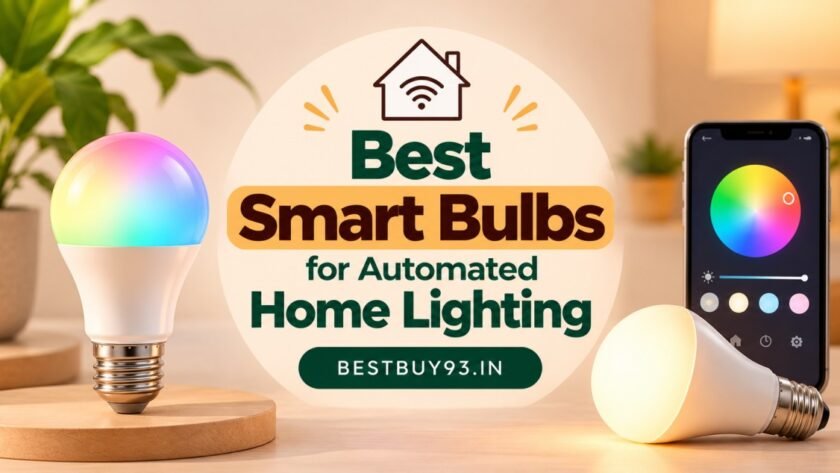
Smart bulbs make everyday lighting more convenient by allowing you to control compatible lights through an app, voice assistant, or scheduled routine. Depending on the model, you may also be able to adjust brightness, change colour temperature, create colourful scenes, and automate when the lights turn on or off.
For Indian homes, smart bulbs can be a practical starting point for home automation. You can replace a compatible conventional bulb, connect it to your home network, and configure the features supported by the manufacturer.
However, not every smart bulb offers the same automation features. Some focus on basic scheduling, while others support advanced scenes, colour-changing effects, or integration with a wider smart-home ecosystem.
In this guide, we will explore the best smart bulbs for automated home lighting, explain the features worth paying for, and share practical lighting routines for bedrooms, living rooms, kitchens, and other spaces.
What Is a Smart Bulb?
A smart bulb is an LED light with built-in connectivity that lets you control supported functions electronically instead of relying entirely on the wall switch.
Depending on its features, you may be able to:
- Switch the light on or off from your smartphone.
- Schedule lights to operate at specific times.
- Adjust brightness without installing a separate dimmer.
- Change between warm and cool white light.
- Select different colours on RGB models.
- Create lighting scenes for reading, relaxing, or entertaining.
- Control lights using a compatible voice assistant.
- Integrate the bulb into a supported smart-home ecosystem.
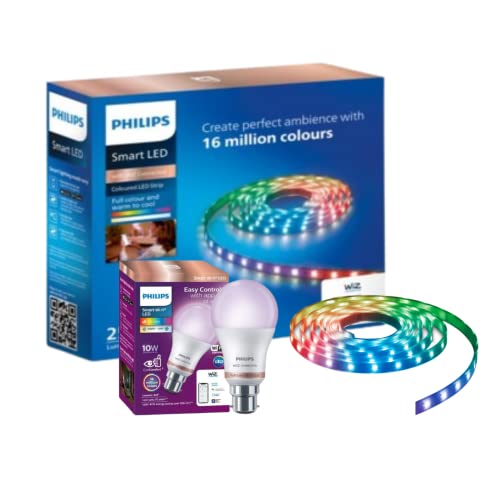
Smart lighting systems such as Philips WiZ provide app-based control, scheduling, voice control, and configurable lighting experiences. Features vary by product and compatible platform.
A smart bulb is not necessarily a motion-sensor bulb. Some systems support motion-based automation through compatible sensors or platform features, while other bulbs only offer manual control and scheduled routines.
Best Smart Bulbs for Automated Home Lighting
These products are worth considering when planning smart lighting in India. The best choice depends on your socket type, desired brightness, automation requirements, and the smart-home platform you already use.
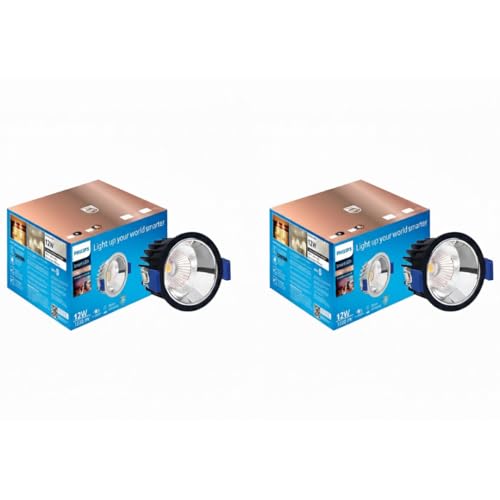
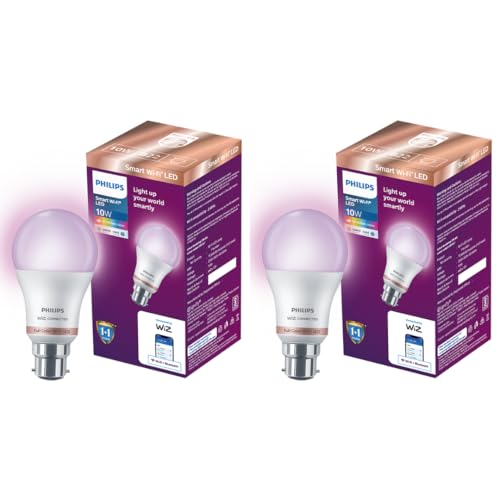
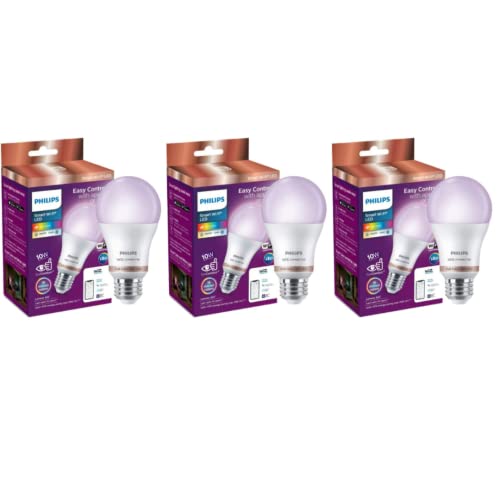
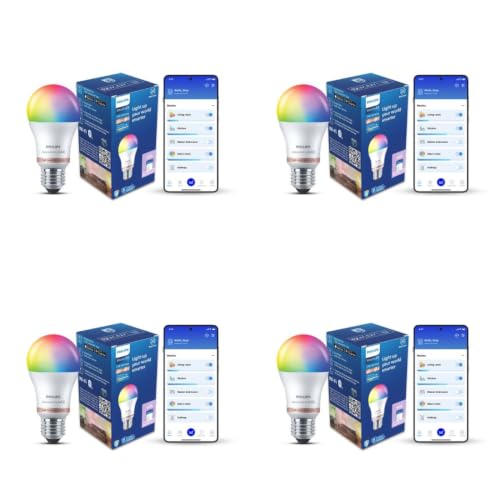
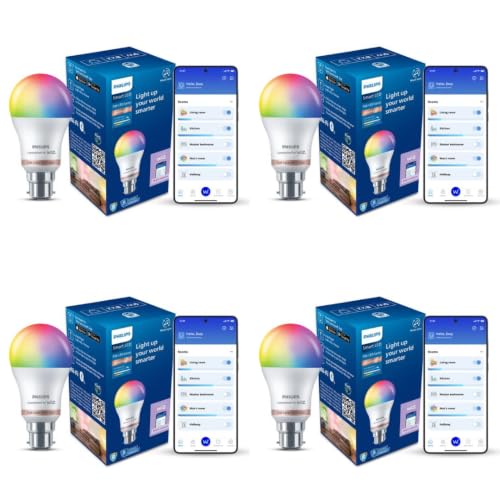
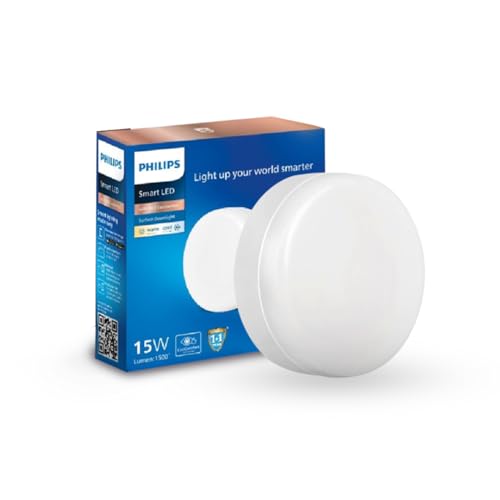
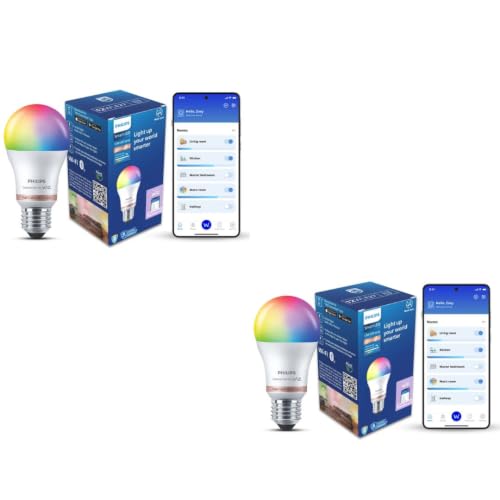
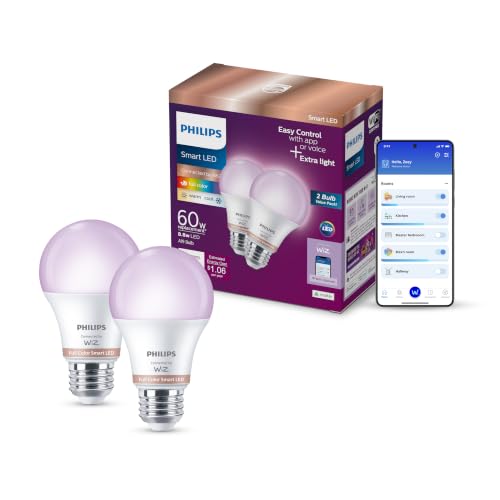
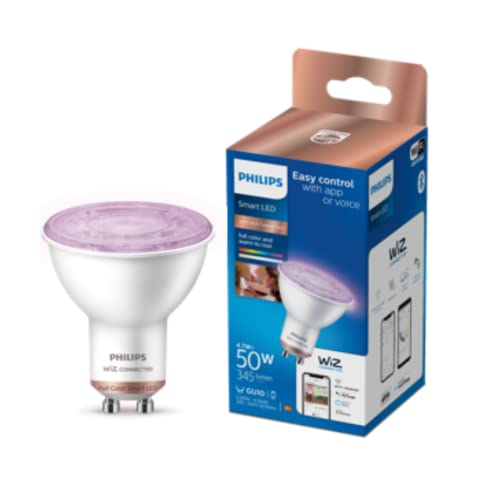
1. Philips WiZ Smart LED Bulb — Best for Everyday Lighting Automation
Philips smart LED bulbs with WiZ Connected are designed for app-based lighting control, scheduling, dimming, and compatible voice-assistant integration. Selected models also offer full-colour lighting and dynamic scenes.
Why consider it:
- Control compatible lights through the WiZ app.
- Set schedules and timers.
- Create different lighting moods.
- Choose from available white-light settings and colours, depending on the model.
- Integrate with supported smart-home platforms.
Best for: Bedrooms, living rooms, and households that want a dedicated smart-lighting ecosystem.
Automation idea: Set a warm-white scene for the evening and schedule the light to switch off at bedtime.
Before buying: Check the exact model’s brightness, base type, connectivity, and compatibility. WiZ and Philips Hue are separate lighting systems, so do not assume that every product from the two ranges is interchangeable.


2. TP-Link Tapo L530 Series — Best for App-Based Scheduling
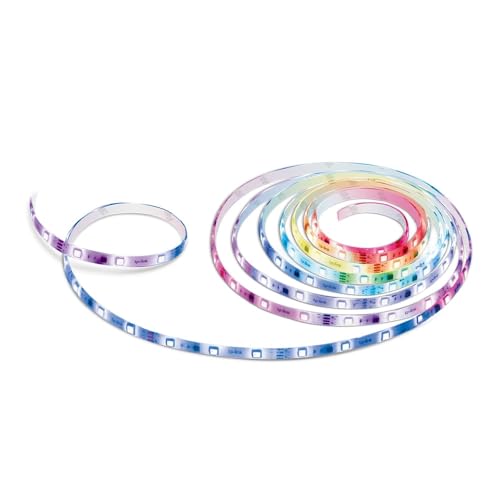
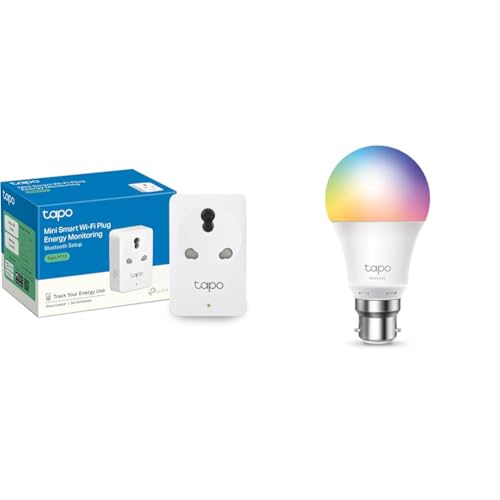
The TP-Link Tapo L530 series is a colour-changing smart bulb range worth exploring if you want app-controlled lighting and scheduled routines.
Depending on the specific model and regional version, supported functions may include adjustable white light, colour selection, brightness control, schedules, and voice-assistant integration.
Why consider it:
- App-based control.
- Scheduled on/off operation.
- Colour and brightness adjustments on supported models.
- Potential integration with other compatible Tapo devices.
- Useful for creating a more connected home.
Best for: People who want to expand their home automation beyond lighting over time.
Automation idea: Create a daily schedule for the bedroom light and use a separate scene for movie nights.
Before buying: Confirm the exact model number, socket type, Wi-Fi requirements, and compatible voice assistants on the seller’s current listing.


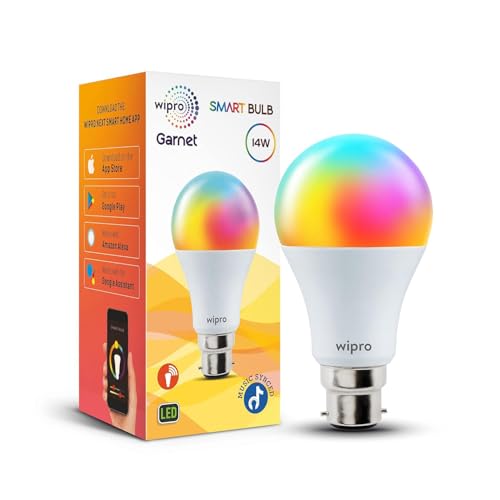
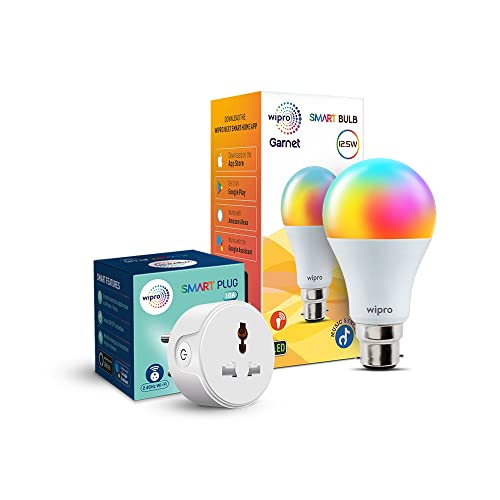
3. Wipro Wi-Fi Smart LED Bulb — Best for Budget-Friendly Automation
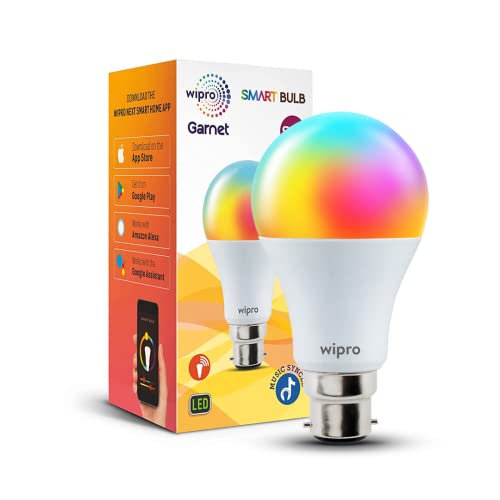
Wipro’s smart lighting range includes Wi-Fi LED bulbs with app-based control and colour options on selected models. The company’s smart-home catalogue also lists lighting products designed for everyday ambience and connected control.
Why consider it:
- Options for buyers exploring smart lighting on a budget.
- Selected models offer multiple colours and shades of white.
- App-based controls and supported voice integration.
- A convenient way to experiment with automated lighting in one room.
Best for: First-time smart-home users and budget-conscious buyers.
Automation idea: Schedule a light to switch on in the evening and switch off after your usual bedtime.
Before buying: Check whether the selected model supports the exact colour, scheduling, and voice-control features you need. Product availability and prices can vary.

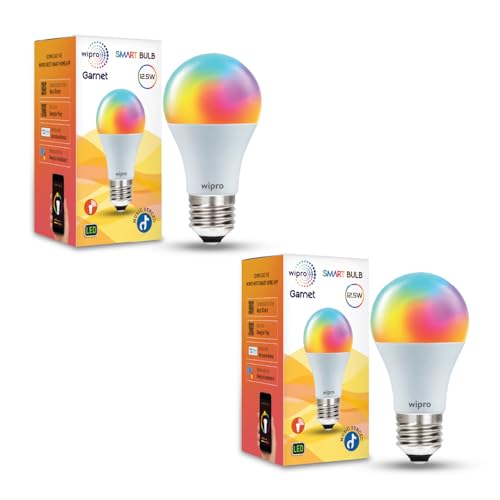
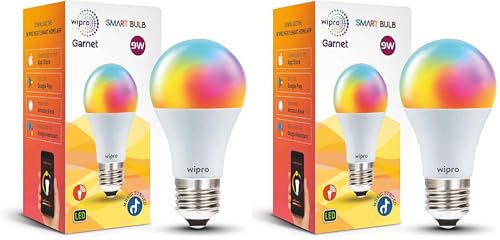
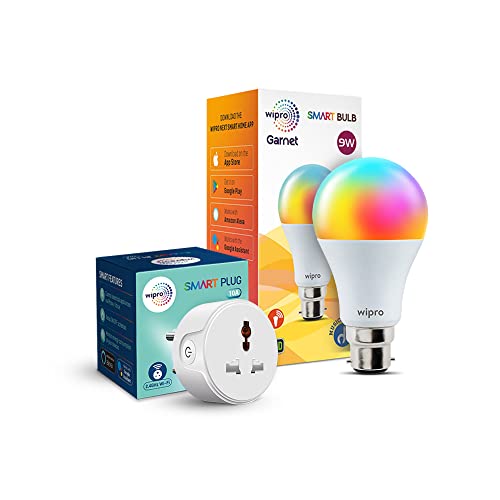

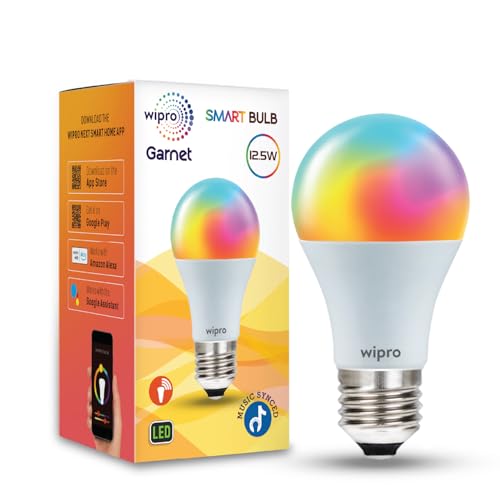


4. Qubo Smart Bulb — Best for a Connected Home Setup
Qubo offers smart-home products, including smart bulbs designed for app-based operation. Its published smart-bulb information describes Wi-Fi setup, colour options, and preset lighting scenes.
Why consider it:
- Smart-bulb control through the Qubo app.
- Colour options on supported models.
- Preset scenes for different lighting moods.
- A possible option for households exploring the Qubo ecosystem.
Best for: Buyers who prefer managing compatible smart-home products through one brand’s app.
Automation idea: Set a soft evening scene for your living room, then use a brighter setting when you need to read or work.
Before buying: Verify the exact product’s current specifications and whether its app supports your desired schedules, voice assistant, and automation triggers.
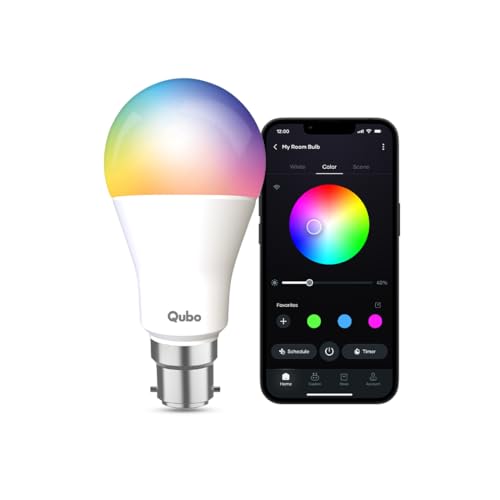
- RGB 16 Million colors – Now choose from a wide range of colors to suit your mood. Get relaxed with blue light after a lo…
- Dim & Brighten – Adjust the brightness of your space ranging from 10% to 100% based on your need
- Warm to cold light – Tune your light to any shade of White between Warm White (2700K) and Cool Day White (6500K) with Qu…
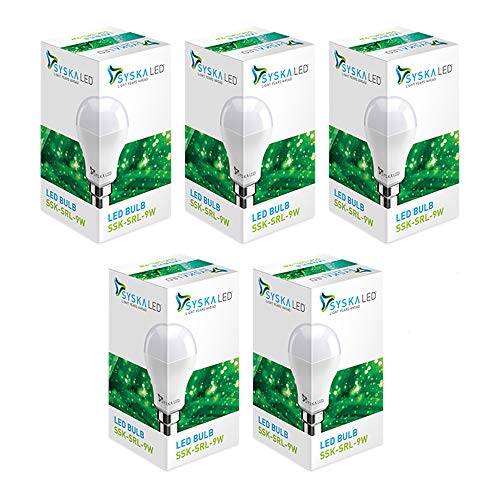
5. Syska Smart LED Bulb — Best for Comparing Brightness Options
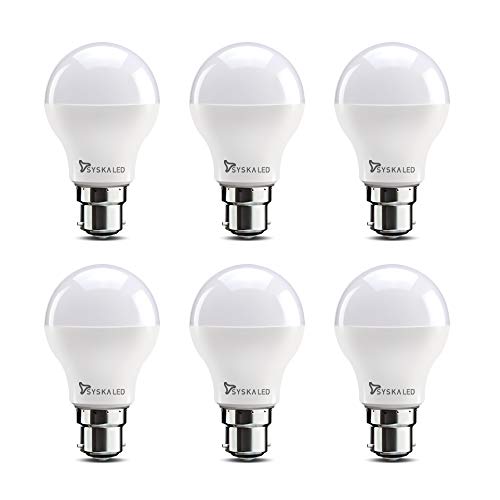
Syska is another brand to consider when comparing connected LED lighting for Indian homes. Check the specific smart-bulb model rather than assuming that all Syska LED bulbs support automation.
Why consider it:
- An additional brand to compare for connected lighting.
- Different bulb formats and wattages may be available.
- A useful option if brightness and everyday room lighting are your main priorities.
Best for: Buyers comparing smart lighting with conventional LED replacements.
Automation idea: Use a compatible smart bulb in the bedroom or living room to schedule lighting around your daily routine.
Before buying: Confirm that the product is genuinely a smart bulb and supports app control, scheduling, and any voice assistant you intend to use.



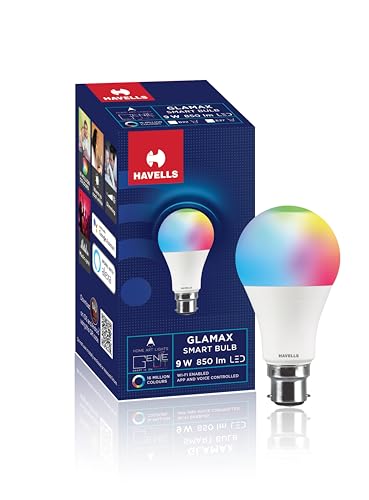
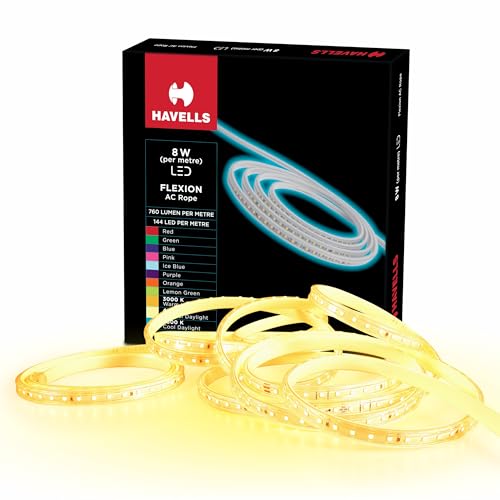
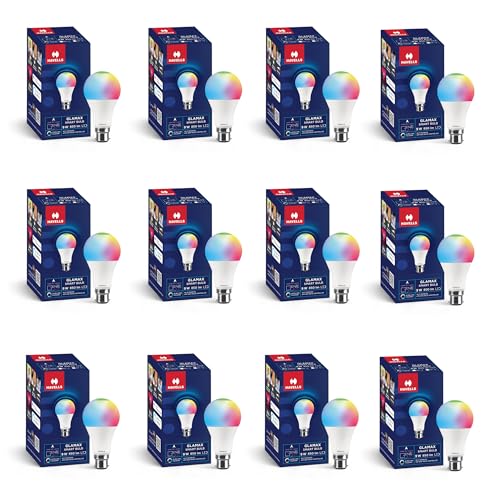
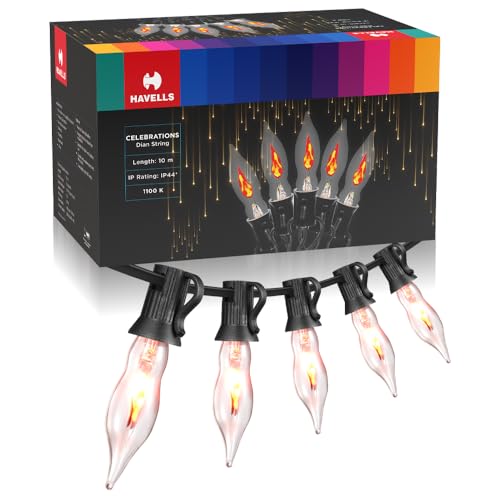
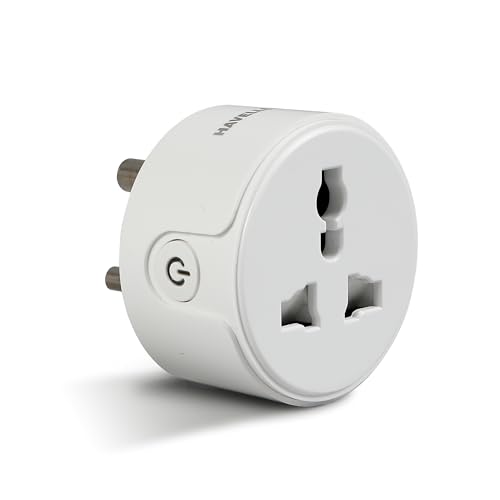
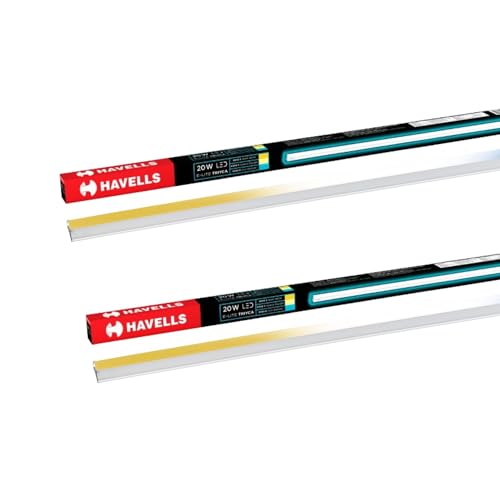
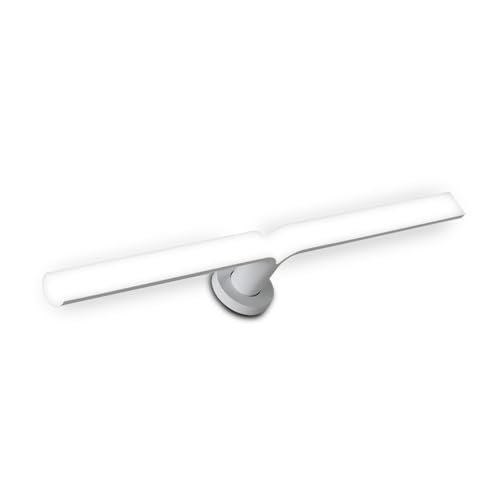
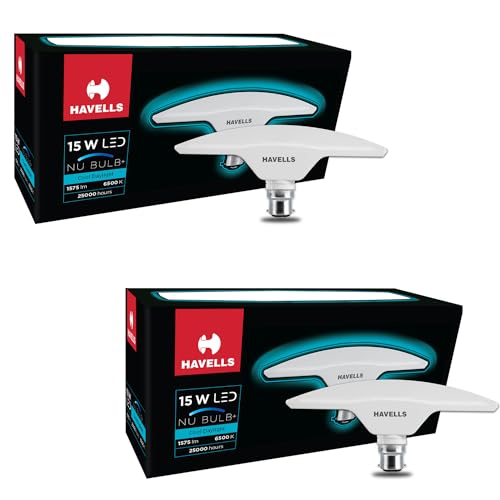
6. Havells Smart Lighting Options — Best for Exploring Established Lighting Brands
Havells is worth checking when comparing lighting products from established brands. Its available smart-lighting products and automation features can differ by model.
Why consider it:
- Another brand to investigate for connected lighting.
- Options to compare against your existing lighting requirements.
- A possible choice if you prefer to shop within a familiar lighting brand.
Best for: Buyers who want to compare smart lighting alongside other household lighting products.
Automation idea: If the selected model supports scheduling, set an evening on-time and a bedtime off-time.
Before buying: Confirm the exact smart functionality, socket, brightness, app, and compatibility. Do not assume that a standard LED bulb supports automation.


Quick Comparison
| Smart Bulb | Main Reason to Consider It | What to Verify |
|---|---|---|
| Philips WiZ Smart LED | Lighting schedules and scenes | Exact model, base, brightness, ecosystem |
| TP-Link Tapo L530 series | App control and automation | Socket type, Wi-Fi and assistant support |
| Wipro Wi-Fi Smart LED | Budget-friendly smart lighting | Model-specific features and availability |
| Qubo Smart Bulb | Connected-home app and scenes | Current app features and compatibility |
| Syska Smart LED | Alternative lighting range | Confirm it is a smart model |
| Havells smart lighting options | Additional brand to compare | Exact smart features and model details |
Our recommendation: Start by comparing Philips WiZ, TP-Link Tapo, and Wipro if you want app-based lighting automation. Choose based on the features you will actually use rather than the number of colours advertised.
Features to Look for in a Smart Bulb
A smart bulb may look impressive in a product photograph, but its practical features matter more once it is installed.
App Control
An app lets you operate the bulb from a compatible smartphone. Depending on the model, you may be able to switch it on or off, adjust brightness, change colours, or select preset scenes.
Check whether the app offers the functions you need without requiring additional hardware or a paid subscription.
Scheduling and Timers
Scheduling is one of the most useful features for everyday automation.
For example, you could schedule a bedroom light to switch on at 7 PM and turn off at 11 PM. A timer can also switch the light off after a specified period.
Check whether schedules continue working when your internet connection is unavailable. Behaviour differs between products and platforms.
Dimmable Lighting
Dimming lets you adjust the brightness for different activities.
- Brighter settings for cleaning or organising.
- Moderate brightness for everyday use.
- Lower brightness for relaxing in the evening.
Confirm that the specific bulb supports app-based dimming. Not every smart bulb offers the same brightness range.
Tunable White Light
Some smart bulbs let you adjust white light from warmer tones to cooler tones.
Warm white can create a comfortable evening atmosphere, while neutral or cooler white can suit tasks that require clearer visibility.
Choose a bulb with tunable white if you want flexibility throughout the day.
RGB Colour Changing
RGB smart bulbs can display multiple colours, depending on the model.
They can be useful for:
- Movie nights.
- Festive lighting.
- Birthday decorations.
- Gaming rooms.
- Relaxing ambient lighting.
If you mainly want ordinary white light, you may not need to pay extra for colour-changing functions.
Voice Control
Selected bulbs work with compatible assistants such as Amazon Alexa or Google Assistant. Some lighting products also support Siri Shortcuts or other platforms.
Voice control can be convenient when your hands are occupied, but compatibility is model-specific.
Check the official product documentation before buying, particularly if you already use a smart speaker.
Connectivity
Many consumer smart bulbs use Wi-Fi, while some products or ecosystems use Bluetooth, Zigbee, Matter, or a combination of technologies.
Before purchasing, check:
- Whether the bulb connects directly to your Wi-Fi router.
- Whether it requires a hub or bridge.
- Which Wi-Fi band it supports.
- Whether it works with your existing smart-home platform.
- Whether its automation features need an internet connection.
Do not assume that all smart bulbs use the same connectivity standard.
How to Automate Home Lighting with Smart Bulbs
You do not need to automate every room immediately. Start with one bulb and create a routine that solves a real everyday problem.
Bedroom Lighting Automation
The bedroom is a good place to begin because lighting often follows a predictable routine.
Example routine:
- Evening: switch on a warm-white light at a chosen time.
- Relaxation: reduce brightness if supported.
- Bedtime: schedule the light to switch off.
- Morning: use a scheduled light if you prefer waking up with illumination.
Some systems offer gradual dimming or sunrise-style features, but these are not universal. Confirm that your selected bulb supports them.
Living Room Lighting Automation
Living rooms often serve several purposes, from entertaining guests to watching television.
Create separate scenes if your bulb supports them.
Example scenes:
- Everyday: comfortable white light.
- Movie night: dimmed lighting.
- Guests: brighter illumination.
- Festive evening: a selected colour or decorative scene.
You can save time by using named scenes rather than adjusting the bulb manually every time.
Kitchen Lighting Automation
For kitchens, visibility and practical lighting should take priority over decorative effects.
A smart bulb may be useful for scheduled operation or voice control, but check that it provides adequate brightness for the space.
Avoid relying on a coloured mood-lighting setting for food preparation or tasks that require accurate visibility.
Entryway Lighting Automation
A scheduled light can help illuminate an entryway during predictable evening hours.
For example, set a light to switch on around sunset and turn off later at night. If your smart-home platform supports sunrise and sunset triggers, the schedule may be able to adjust automatically throughout the year.
Do not assume a smart bulb has a built-in motion sensor. Motion-based lighting generally requires a compatible sensor or another supported trigger.
Work-from-Home Lighting Automation
If you work from home, create a scene that provides enough brightness for reading and screen-based tasks.
Use a suitable white-light setting and adjust the brightness to reduce discomfort. Avoid assuming that a particular colour temperature automatically improves productivity or sleep.
Smart Lighting Routines You Can Try
Here are a few simple routines to inspire your home setup.
| Routine | Example Setting | Useful For |
|---|---|---|
| Evening Welcome | Switch on at a chosen evening time | Living room or entryway |
| Bedtime | Switch off at a fixed time | Bedroom |
| Movie Night | Lower brightness or choose a scene | Living room |
| Reading Time | Brighter white light | Bedroom or study |
| Weekend Ambience | Select a preferred colour scene | Living room |
| Holiday Schedule | Set lighting schedules while away | Compatible bulbs and platforms |
These are examples, not guaranteed features of every product. Some routines need to be created in the manufacturer’s app; others may require a compatible smart-home platform.
How to Set Up a Smart Bulb at Home
Most app-controlled smart bulbs follow a similar installation process, although the precise steps depend on the manufacturer.
Step 1: Check the Holder
Before buying, check the fitting used by your existing light fixture. In India, B22 bayonet fittings are common, while E27 screw fittings are also used.
The bulb must match the holder. Do not force an incompatible fitting.
Step 2: Check the Bulb Specifications
Confirm the wattage, brightness, voltage compatibility, dimensions, and whether the bulb is suitable for the fixture.
If the bulb will be used in an enclosed fitting, check the manufacturer’s restrictions.
Step 3: Install the Bulb Safely
Switch off the light before replacing the existing bulb. Allow a recently used bulb to cool, then install the new one according to its instructions.
If the holder or wiring appears damaged, consult a qualified electrician.
Step 4: Download the Correct App
Use the official app specified by the manufacturer. Avoid downloading unofficial apps from unfamiliar sources.
Step 5: Connect the Bulb
Follow the pairing instructions in the app. Some bulbs need to enter a pairing mode before they appear in the device list.
Follow the manufacturer’s Wi-Fi requirements, including any restrictions on the network band.
Step 6: Name the Light
Give the bulb a clear name such as “Bedroom Light” or “Living Room Lamp.” Meaningful names make app control and voice commands easier.
Step 7: Create a Schedule
Set a simple on/off schedule first. Once it works reliably, explore additional features such as dimming, colour scenes, or compatible voice control.
Common Smart Bulb Problems and How to Fix Them
The Bulb Will Not Connect
Check that the bulb is powered on and follow the manufacturer’s pairing instructions. Confirm that your router meets the bulb’s network requirements.
The App Cannot Control the Light
Check your phone’s internet connection, the bulb’s power supply, and the manufacturer’s app status. Some remote features require internet access.
The Bulb Turns Off Unexpectedly
Check whether a schedule, timer, automation, or wall switch is controlling it.
Voice Commands Do Not Work
Verify that the bulb is linked to the correct assistant account and that the device name is easy to recognise.
The Bulb Loses Smart Control After Using the Wall Switch
This is common when the physical switch cuts power to the smart bulb. Keep the bulb powered on if you want app or voice control to remain available.
A smart bulb cannot respond remotely while its power supply is physically switched off.
The Light Is Not Bright Enough
Check the bulb’s lumen output rather than comparing wattage alone. Select a bulb with suitable brightness for the room and fixture.
Do Smart Bulbs Save Electricity?
Smart bulbs are LED lights, so they can offer the energy-efficiency advantages of LED lighting compared with older, less efficient technologies.
However, smart functionality does not automatically guarantee lower electricity bills.
The result depends on the bulb’s power consumption, brightness, usage duration, and how you operate it. Scheduling and remote-off functions may help reduce wasted lighting if you regularly forget to switch lights off.
For a sensible comparison:
- Check the bulb’s rated wattage and brightness.
- Compare it with the conventional bulb you would otherwise use.
- Estimate how many hours the light will operate each day.
- Consider whether scheduling will actually reduce usage.
- Remember that the smart bulb also uses some standby power.
A smart bulb that stays on all day at high brightness may not save energy simply because it can be controlled through an app.
Smart Bulb vs Smart Switch: Which Should You Choose?
Smart bulbs and smart switches solve different problems.
| Feature | Smart Bulb | Smart Switch |
|---|---|---|
| Installation | Usually replaces a compatible bulb | May require wiring work |
| Colour changes | Available on RGB models | Depends on the connected lighting |
| Dimming | Supported by selected bulbs | Depends on switch and light compatibility |
| Automation | App schedules and supported routines | Can automate the connected circuit |
| Wall-switch behaviour | Physical switch can cut bulb power | Can retain physical wall control when properly configured |
| Best for | Individual lights and mood lighting | Existing lighting circuits or multiple connected lights |
A smart bulb is often easier for beginners because it usually does not require changes to the home’s wiring.
A smart switch may be more appropriate if you want to control several conventional lights together. Installation and compatibility should be assessed carefully, especially where neutral-wire requirements or electrical modifications are involved.
Mistakes to Avoid When Buying Smart Bulbs
1. Buying the wrong socket type: Check B22 versus E27 before ordering.
2. Ignoring brightness: A colour-changing bulb is not necessarily bright enough for a large room.
3. Assuming every bulb supports voice control: Confirm the compatible assistant and model.
4. Choosing colour features you will never use: A simpler smart bulb may be better if you only need schedules and remote on/off control.
5. Forgetting the wall switch: If power is cut at the switch, the bulb may lose its smart functionality.
6. Assuming motion detection is built in: Check whether the product needs a separate sensor.
7. Ignoring app compatibility: Review the supported operating system, connectivity, and smart-home ecosystem.
8. Installing it in an unsuitable fixture: Follow restrictions for enclosed fittings, dimmers, and environmental conditions.
9. Buying based only on the advertised discount: Check the actual model, seller, warranty, return policy, and current specifications.
In Case You Are Looking For –
- Best Smart Bulbs in India: Top Picks
- Best LED Strip Lights for Home
- Best Smart Plugs for Controlling Home Appliances
- Best Smartphones Under ₹20,000
Frequently Asked Questions
Which smart bulb is best for home automation?
Philips WiZ, TP-Link Tapo, and Wipro are useful options to compare for app-based lighting control. The best choice depends on the exact model, required automation features, socket type, and compatible smart-home platform.
Do smart bulbs need Wi-Fi?
Many app-controlled smart bulbs use Wi-Fi, but some models use Bluetooth, Zigbee, or other connectivity methods. Check the product specifications to confirm whether a hub or internet connection is required.
Can smart bulbs turn on automatically at sunset?
Some apps and smart-home platforms support sunrise or sunset schedules. Others may only support fixed-time schedules. Check the selected model’s capabilities before buying.
Can I control smart bulbs with Alexa or Google Assistant?
Many models support one or both assistants, but compatibility is product-specific. Confirm the exact model and any required account linking before purchasing.
Can smart bulbs work with normal wall switches?
Yes, they can usually be operated through a compatible conventional switch. However, switching the power off at the wall prevents app and voice control until power is restored.
Are smart bulbs suitable for Indian homes?
Yes, provided the bulb is compatible with the holder, electrical supply, fixture, and network requirements. Check the product specifications before installation.
Do smart bulbs require a hub?
Many Wi-Fi smart bulbs connect directly to a compatible router and do not need a separate hub. Some ecosystems and connectivity types do require a hub or bridge.
Can I use smart bulbs in a rented apartment?
Often, yes. A compatible screw-in or bayonet smart bulb is usually a convenient option because it does not require permanent wiring changes. Always check the holder and fixture first.
Do smart bulbs work without the internet?
Behaviour varies by model. Some functions may remain available on the local network, while remote access, voice assistants, or certain automations may require internet connectivity. Check the manufacturer’s documentation.
Can smart bulbs change colours automatically?
Selected RGB models can change colours through schedules, scenes, or compatible routines. The available options depend on the bulb and its app.
Final Verdict –
The best smart bulbs for automated home lighting are the ones that fit your existing fixtures and make your daily routine easier.
Philips WiZ is worth exploring for app-based lighting schedules and scenes. TP-Link Tapo is another option for connected lighting, while Wipro and Qubo are worth comparing for budget-conscious and ecosystem-focused setups.
Start with one room instead of automating the entire home at once. Set a reliable schedule, learn how your bulb behaves with the wall switch, and add more advanced routines only when you need them.
Before buying, check the socket type, brightness, connectivity, app features, and voice-assistant compatibility. These practical details matter more than a long list of features you may never use.
With the right setup, smart bulbs can make everyday lighting more convenient, flexible, and personalised.